

Governance
AI governance with approvals, permissions, and audit logs
To use AI in production work, teams need to explain what data AI accessed, who approved the output, and where it was used. AGTO is built for AI operations that people can manage.
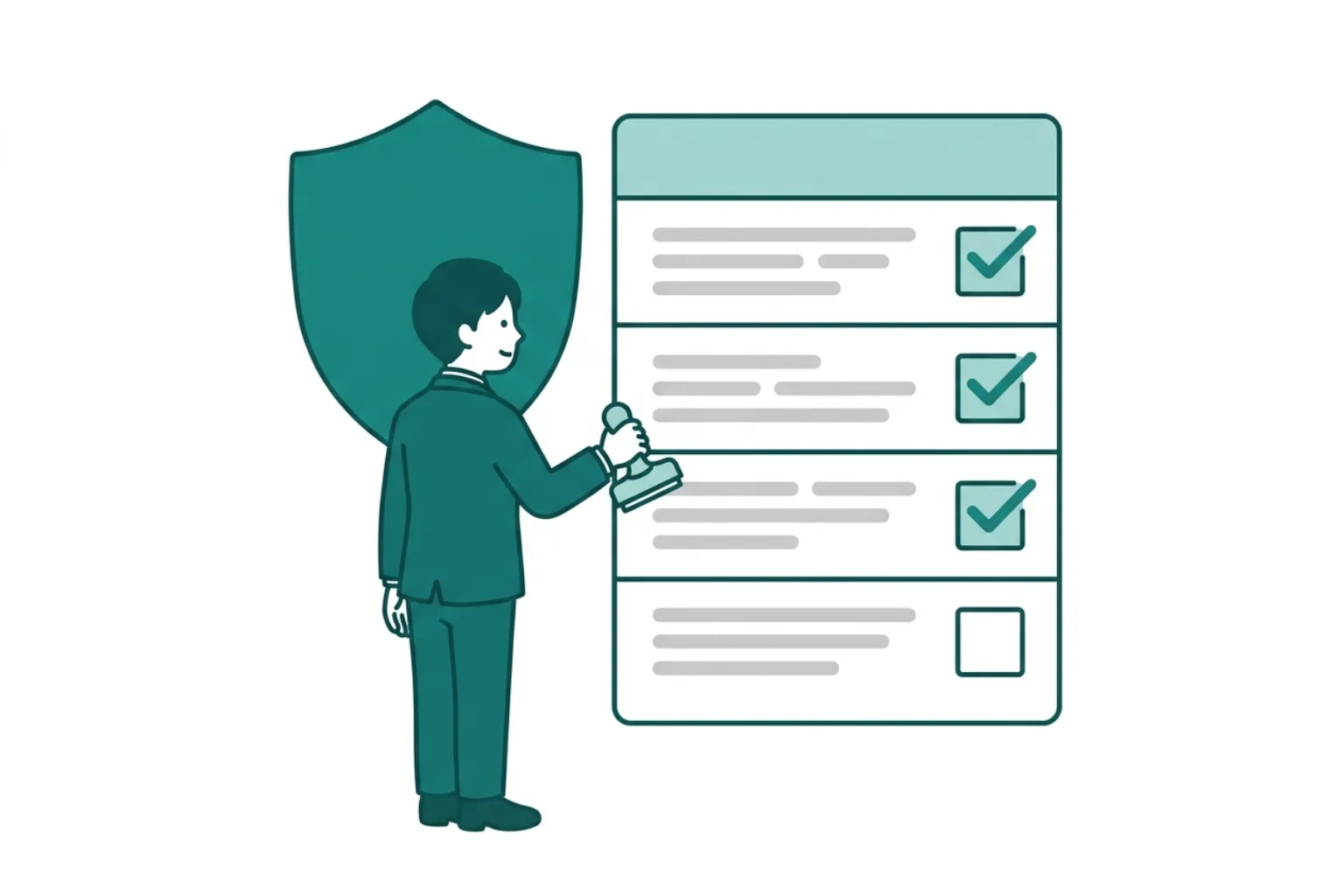
Summary — Governance points
Governance
Run AI on terms people can manage
With human approval, permissions, and audit logs as the basis, expand delegation step by step.
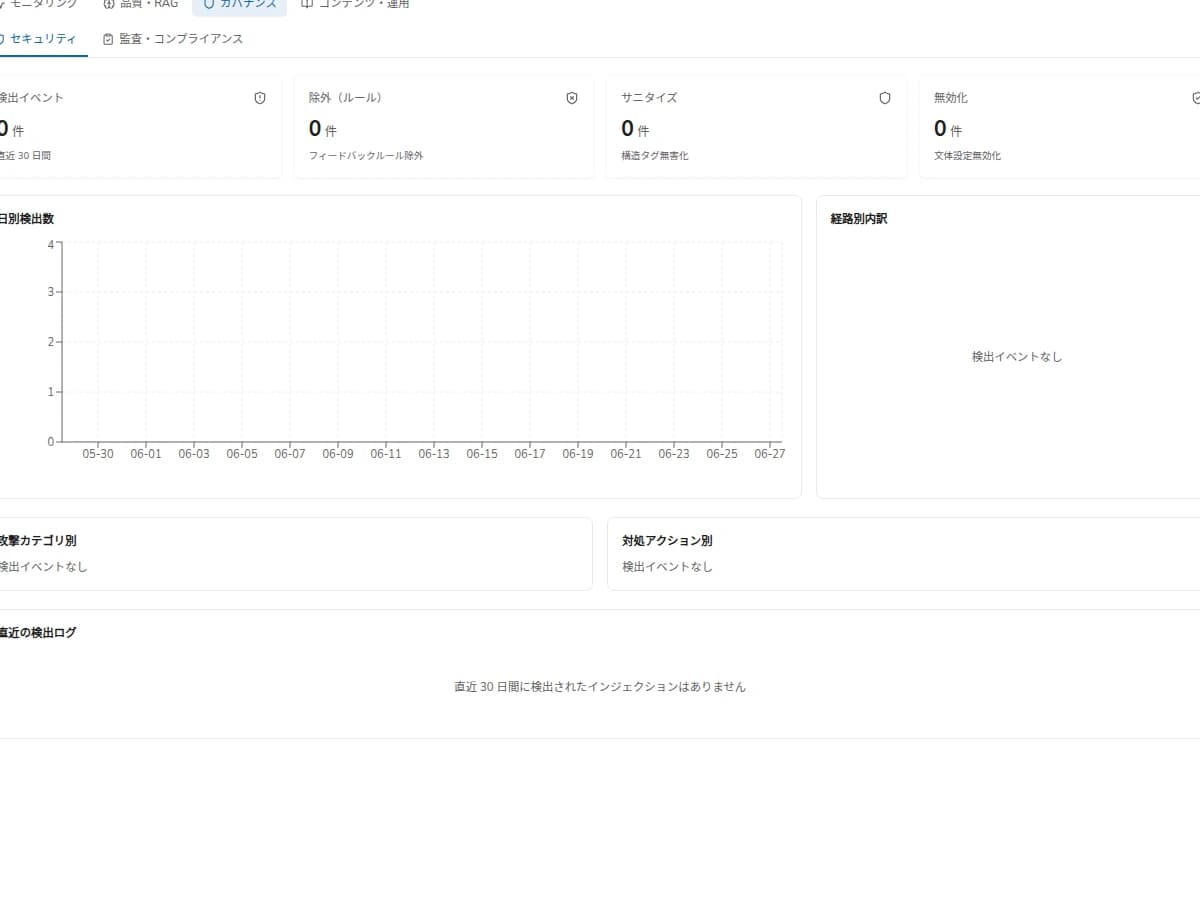
Control what AI can access
Useful AI must still respect data boundaries. AGTO designs knowledge access around users, tenants, and workflows.
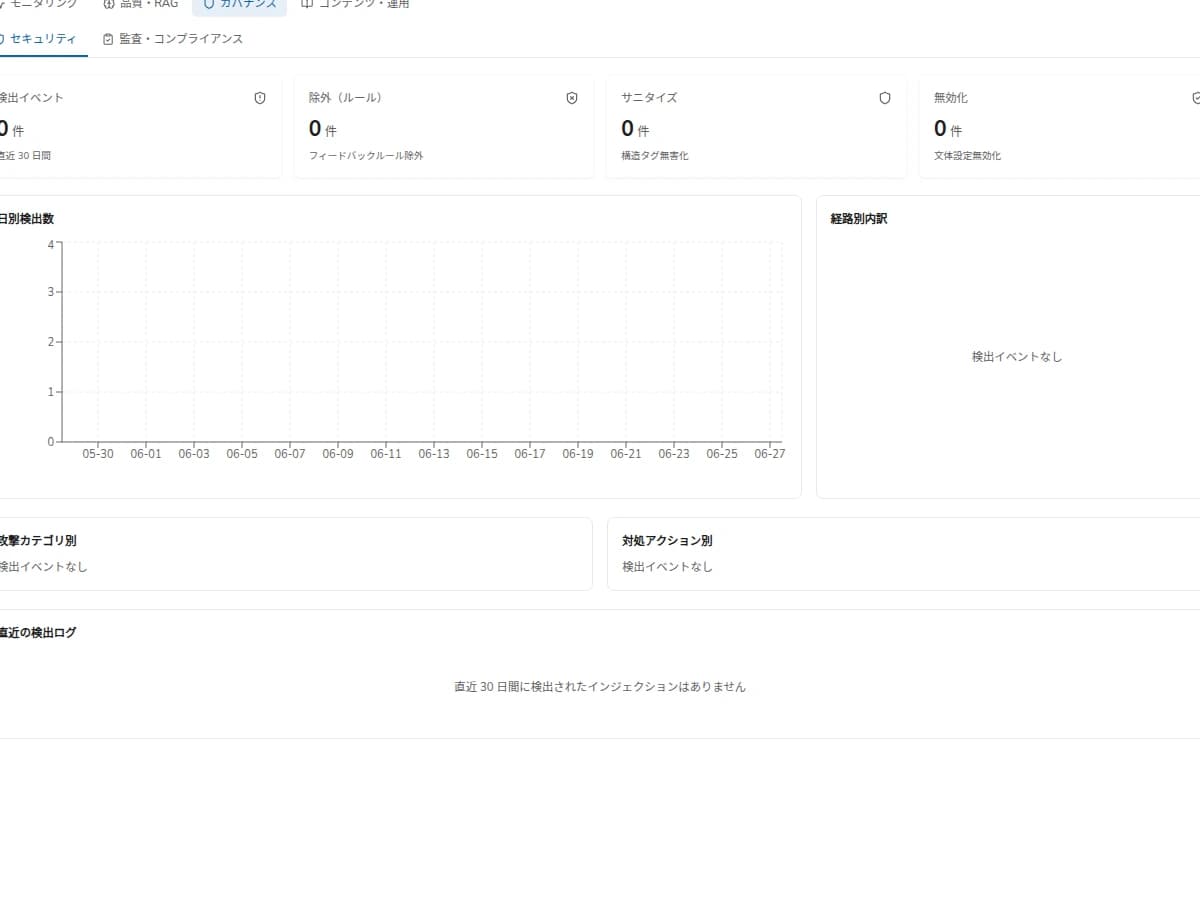
Use HITL for risky work
Answers, skill changes, and routine outputs can be routed to human review when business risk is involved.
Keep work explainable with logs
Teams can trace who changed a skill, where it was used, and which approval allowed it to move into work.
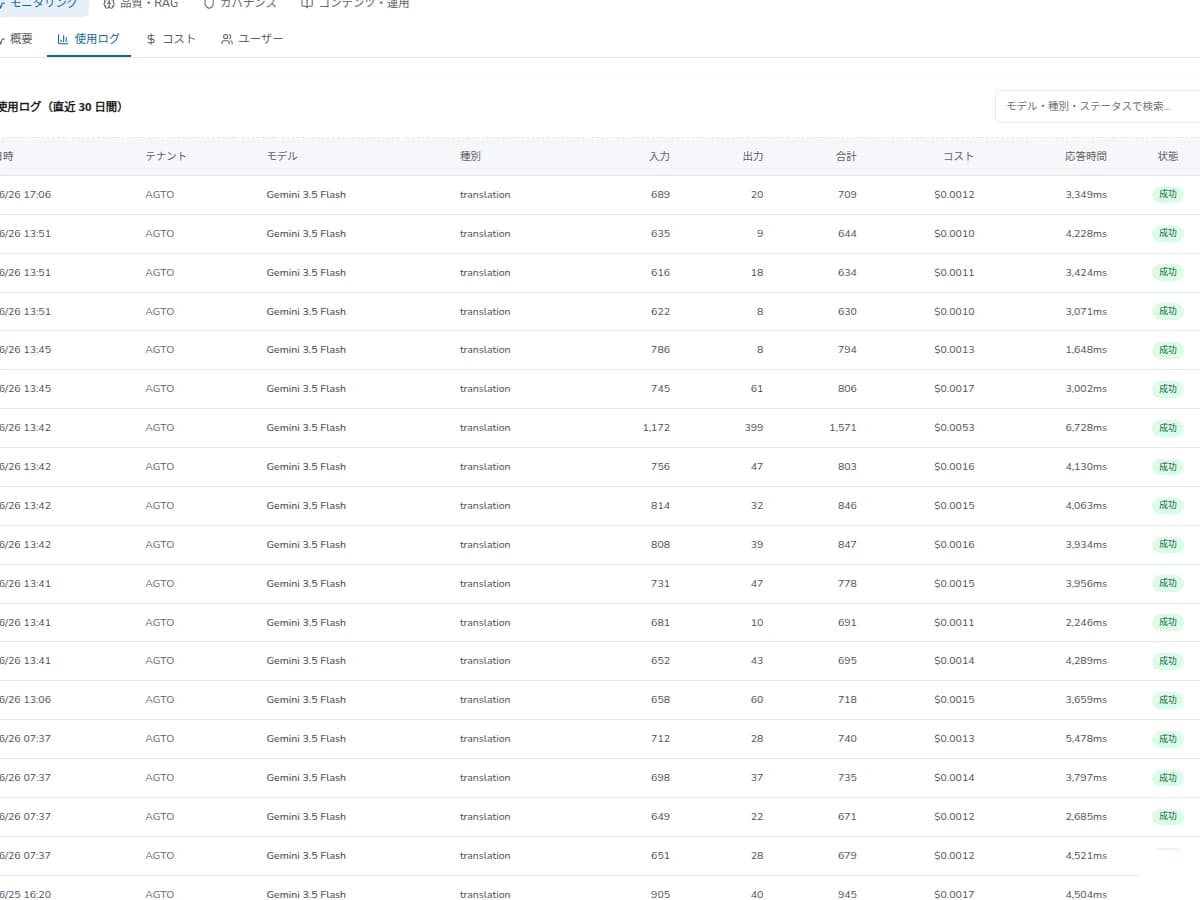
Governance
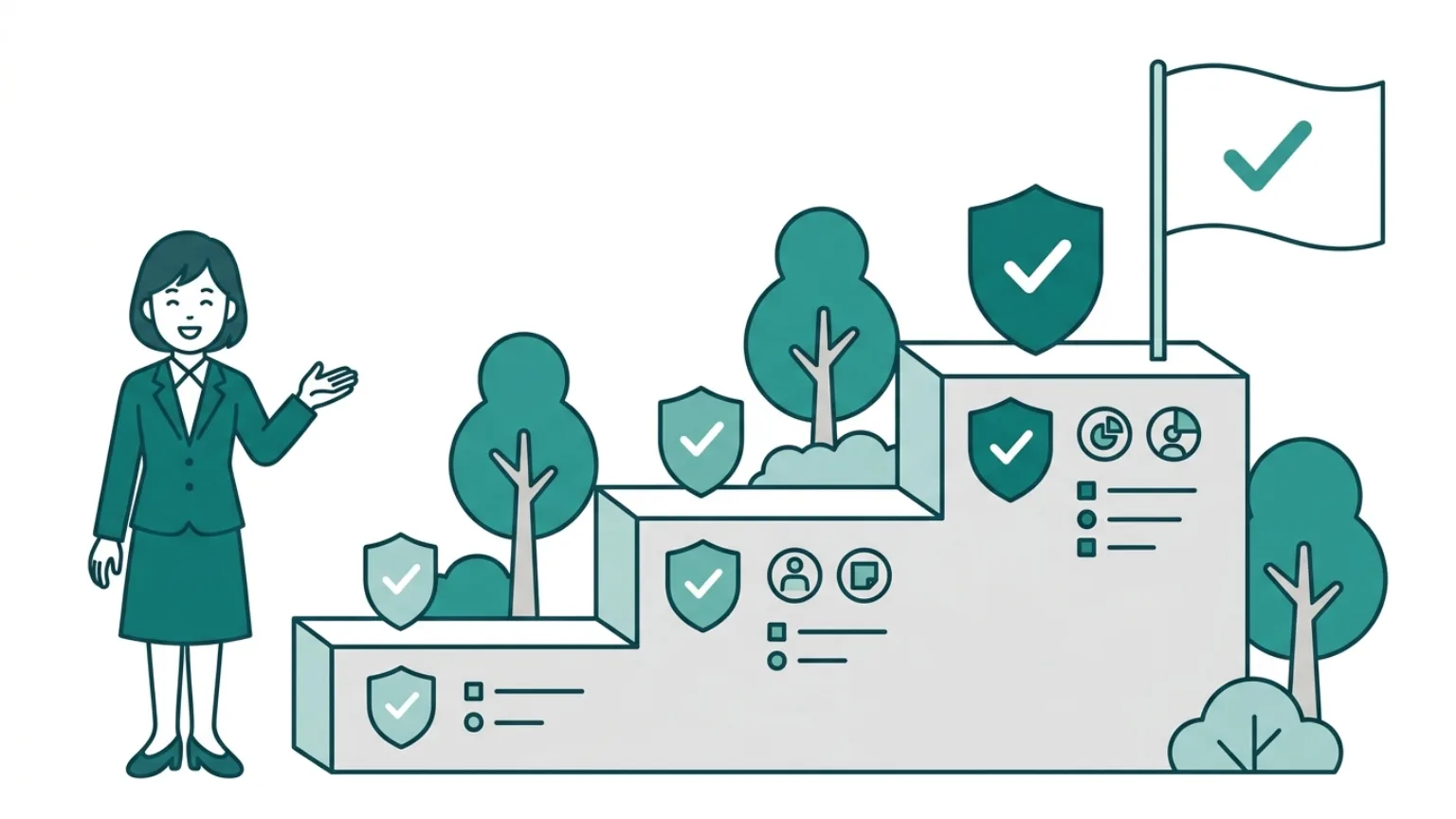
Approval strength is designed in tiers based on action risk.
Design Detail
Example role-based permission matrix
Governance cannot run on policy alone. Put who can see what, how far they can act, and who approves into a table per role.
| Role | Reference scope | Allowed actions | Approval rights |
|---|---|---|---|
| Member | Team's public knowledge | Raise questions / answer candidates | None |
| Channel admin | Channel documents and skills | Approve skills, set routines | Within own channel |
| Tenant admin | Company-wide knowledge and audit logs | Permission design, excluded-data settings | Company-wide |
| Auditor | Audit logs (read-only) | View and export logs | None |
Design Detail
HITL (human approval) tier design
Rather than stopping everything, vary approval strength by action risk. Keep approval heavy while learning is shallow, and widen automation as approval history accumulates.
| Tier | Example actions | Approval |
|---|---|---|
| Tier 0 (auto) | First-line answers with sources, summaries | No approval, log only |
| Tier 1 (review advised) | Skilling answer candidates, promoting to standard procedures | Reviewer approval |
| Tier 2 (approval required) | External writes, bulk notifications | Explicit approver sign-off and logs |
| Tier 3 (restricted) | High-risk actions, access to excluded data | Disallowed by default; exceptions via allowlist |
Design Detail
Example items to keep in audit logs
To make logs explainable later, usage volume is not enough. Keep enough detail to reconstruct who saw what, why it was proposed, and how far it ran.
| Item | What is recorded | What it explains |
|---|---|---|
| Actor / approver | Requester, reviewer, approver | Responsibility and approval path |
| Action type | Answer, skill change, routine run, notification, external write | Which work action occurred |
| Target | Skill ID, channel, document, external system | Scope of impact |
| Referenced data / diff | Sources, generation reason, before/after edits | Why the proposal was made |
| Result / cost / time | Success/failure, failure reason, cost, timestamp | Effect and operating load |
Metrics
Governance metrics for the pilot
Before adding measured values, make the measurement targets explicit. Track approval backlog, skill approval rate, send-back reasons, actions reconstructable from audit logs, and the count of exceptions to guide rollout.
Approval backlog
Is the approval flow blocking work
Skill approval rate
Share that passed review
Send-back reasons
Are reject reasons recorded and categorized
Log reconstruction
Can actions be traced from logs
Exception actions
Frequency of high-risk actions
Process
How to design governance
Policy
Define allowed data
Map data sources, teams, and user permissions.
Approval
Separate risky actions
Classify answers, skill edits, notifications, and reports by risk.
Audit
Use logs for improvement
Review exceptions, wrong answers, and pending approvals to update rules.
FAQ
AI governance FAQ
Does every answer need approval?
No. Approval can be limited to important or risky outputs.
What should audit logs include?
Usage, skill edits, approvals, and outcomes that help explain and improve operations.
Can permissions differ by department?
Yes. Data scope and users can be separated by team or workflow.
How do you handle excluded data or personal information?
Before the pilot, separate target data, excluded data, reference rights, and retention/deletion rules. Define what AI must not see first, then verify operations through approval logs.
Can writes to external systems be automated too?
High-risk actions are treated as approval-required. Bulk notifications, CRM updates, and external writes are validated step by step with named approvers and log fields.
Can we confirm requirements like certifications or data region?
Yes. Certifications, storage region, and contractual data handling are checked individually before rollout, and undecided items are kept out of the pilot scope.
Next Step
Design governance for production AI
We can translate data scope, approval rules, and audit requirements into a pilot plan.