AI Employee Platform — teach AI your company

Grow “AI Employees”that take root.

Most AI rollouts still fall short of results — not because of model quality, but because the AI never sticks. AGTO grows AI that has learned your company's know-how into “AI Employees,” and embeds them into daily work under human approval.

Within each user's access rights, AGTO learns from your documents, conversations, and decisions. It gets smarter the more you use it and fits naturally into your everyday workflow.
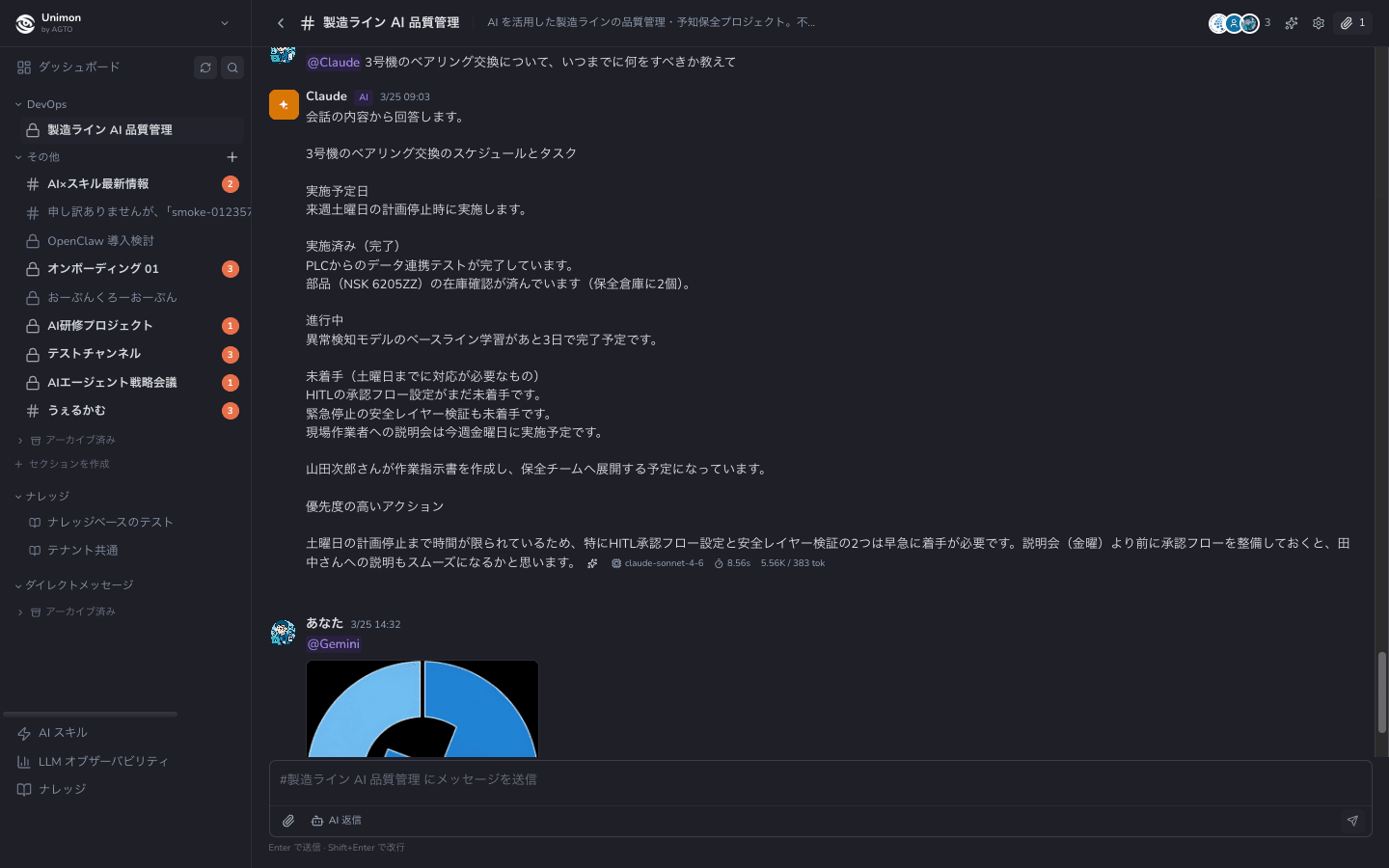
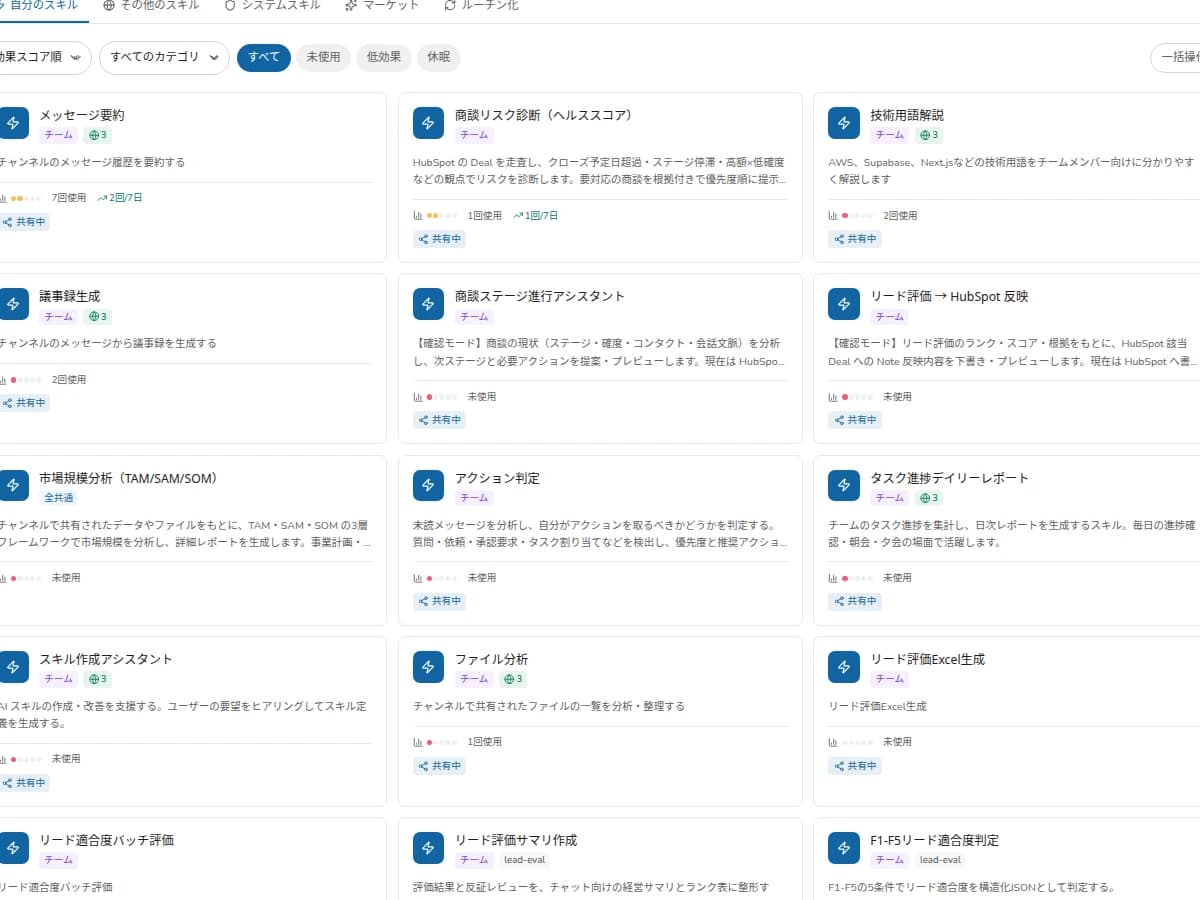
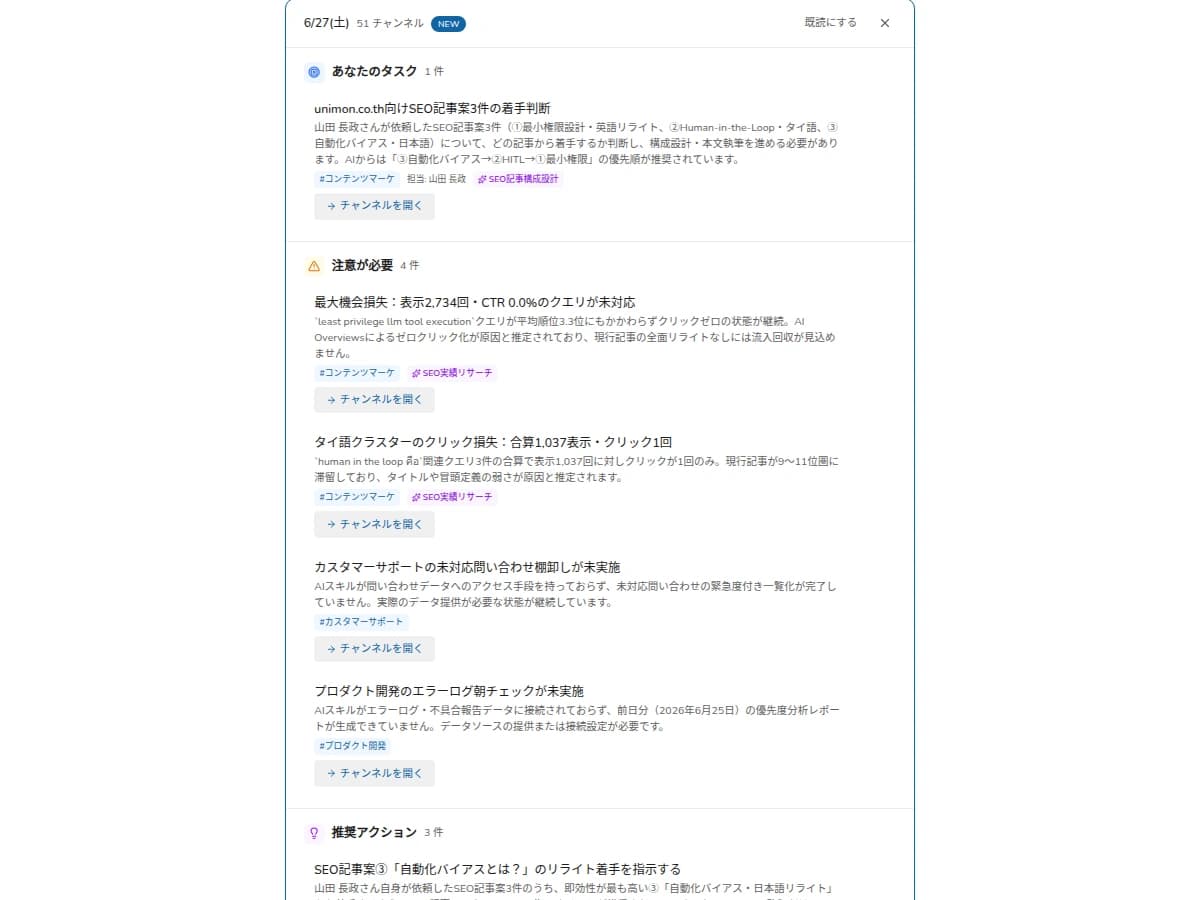
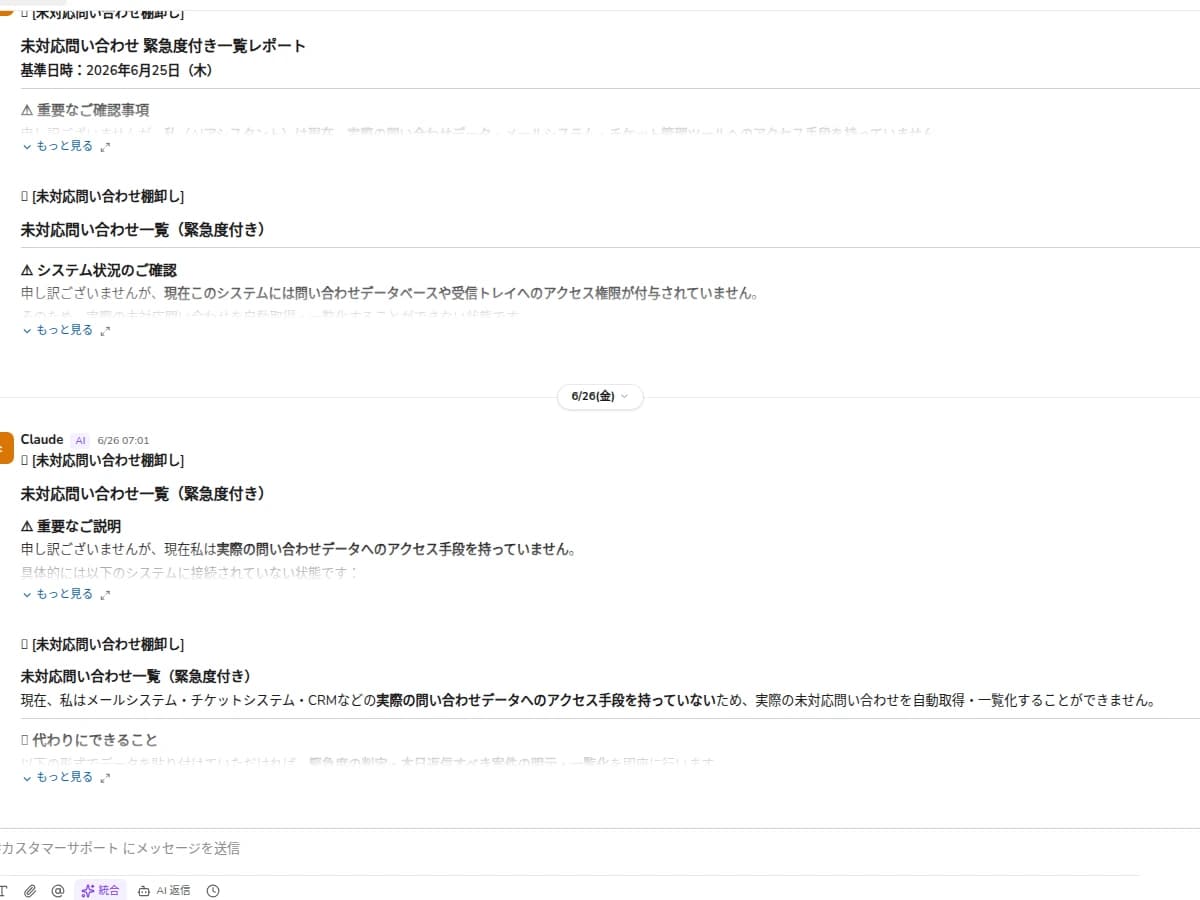
Live product view

Approval review flow

Adopt AI for good with “Learn, Work, See”

AI that has learned your know-how works as an “AI Employee,” and every request, approval, outcome, and cost is visible per job. That's why it takes root on the frontline.

Learn

Conversations and documents become company know-how

Within access rights, AI learns your steps and decision criteria from conversations, documents, and decisions, and stores them as Skills.

Work

The AI it learned works as an “AI Employee”

Built on accumulated Skills, AI Employees with defined roles are assigned to work and handle tasks under human approval.

See

Requests, approvals, outcomes, and costs are visible per job

For each job (Objective), a “Work Ledger” records who approved it, what was delivered, and how much it cost.

Stick

Built into your everyday workflow

No new tool to learn — the AI Employee is right inside your usual work. It gets smarter as you use it, and takes root.

Why doesn't the AI you rolled out get used?

Most generative AI still hasn't reached business results (MIT NANDA reports 95% of organizations see no clear return). The cause isn't performance — it's a lack of adoption, because the AI isn't built into frontline work.
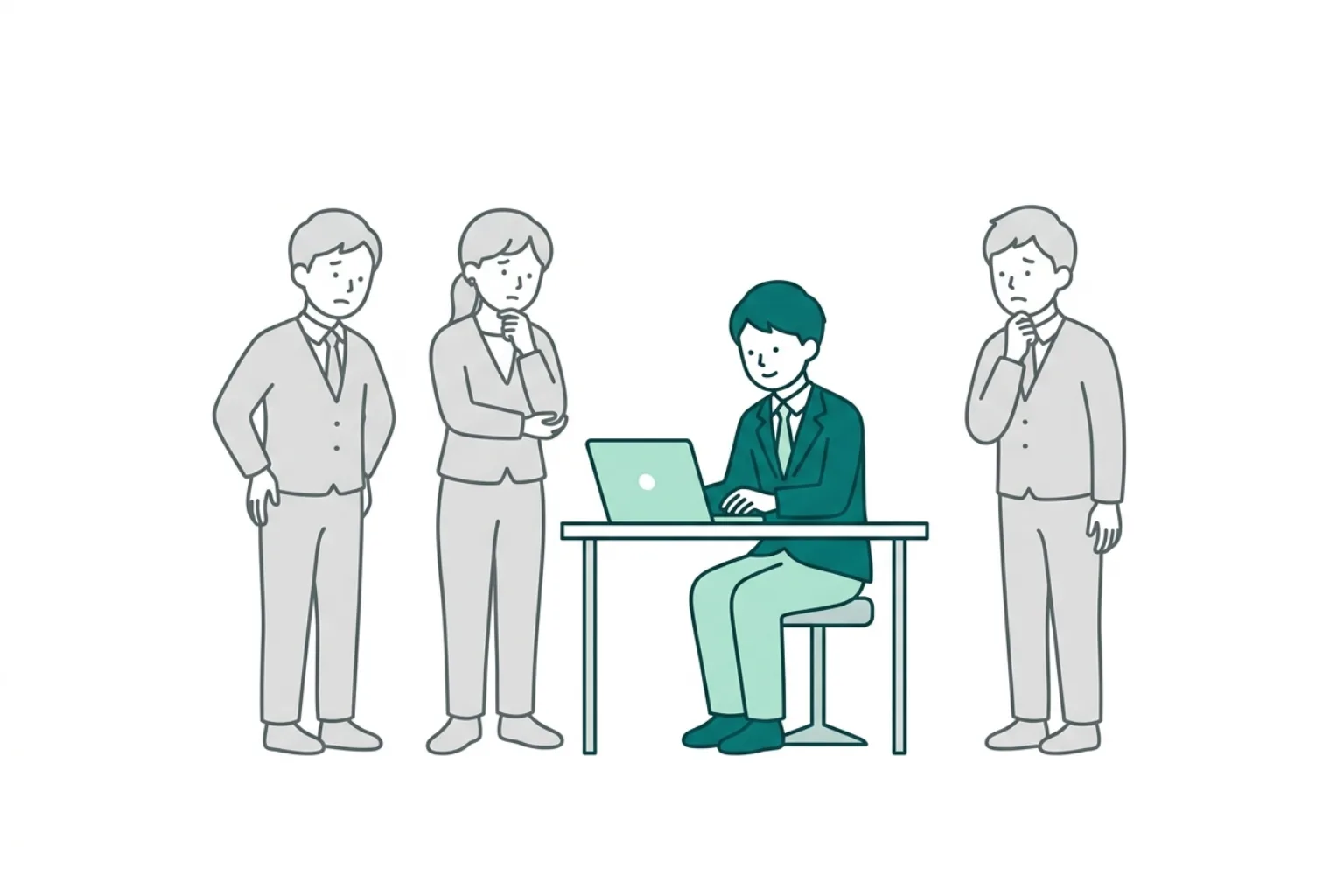
1

Depends on the user

It takes prompt skill, so only a few people can use it

The effort to master AI is left to individuals, so it never spreads beyond a handful of capable employees.

2

Loses momentum

Usage peaks right after rollout, then fades

People try it at first, but without being built into work, it quietly stops being used.
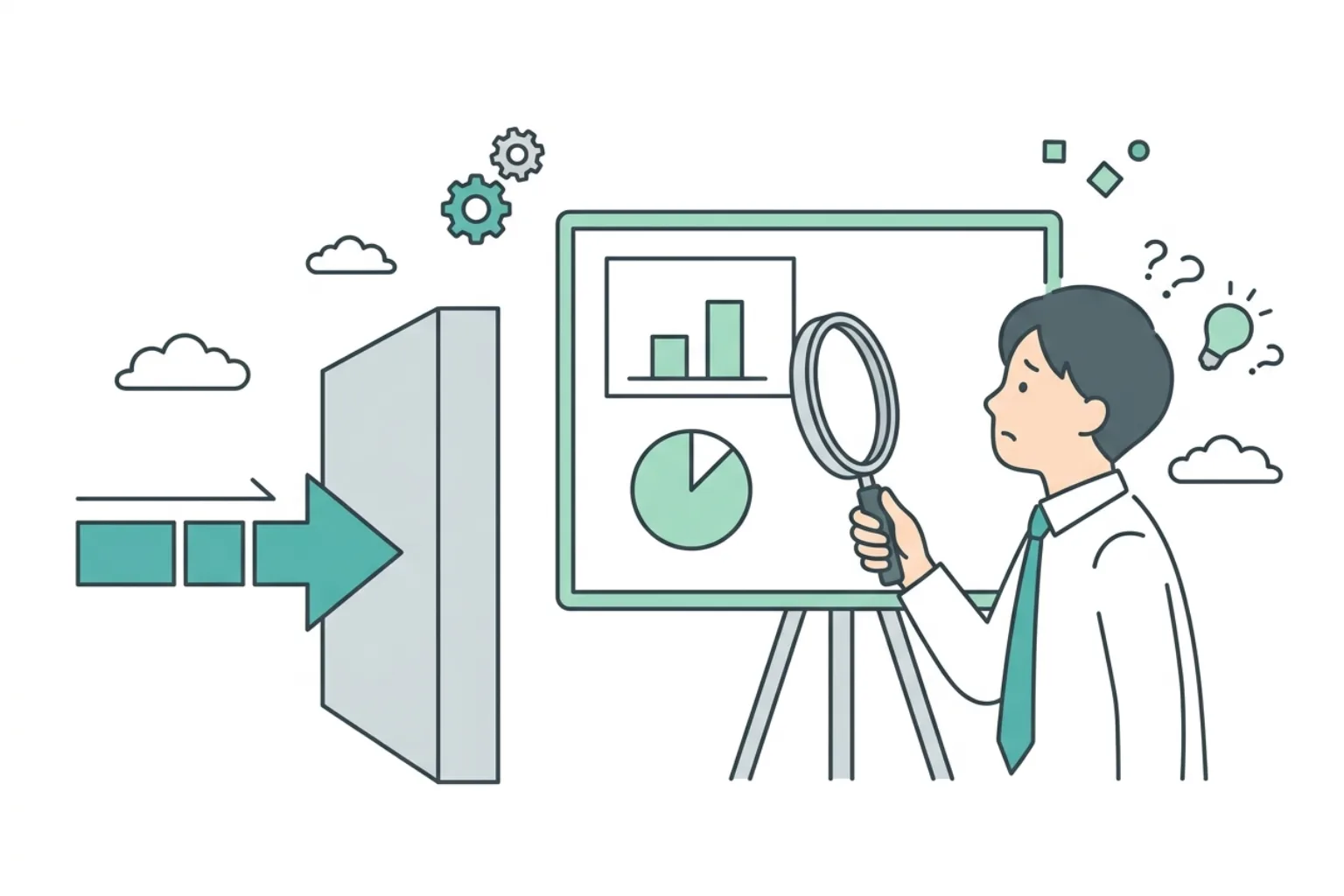
3

Unclear impact

You can't tell if it works, so it stalls at PoC

With cost, impact, and risk invisible, you can't make the call to roll it out, and it stalls.

The loop where conversation becomes company know-how

Within access rights, AI proposes candidates and only human-reviewed content is stored as Skills. Accumulated Skills are reused as AI Employee Skills, getting smarter the more you use them.
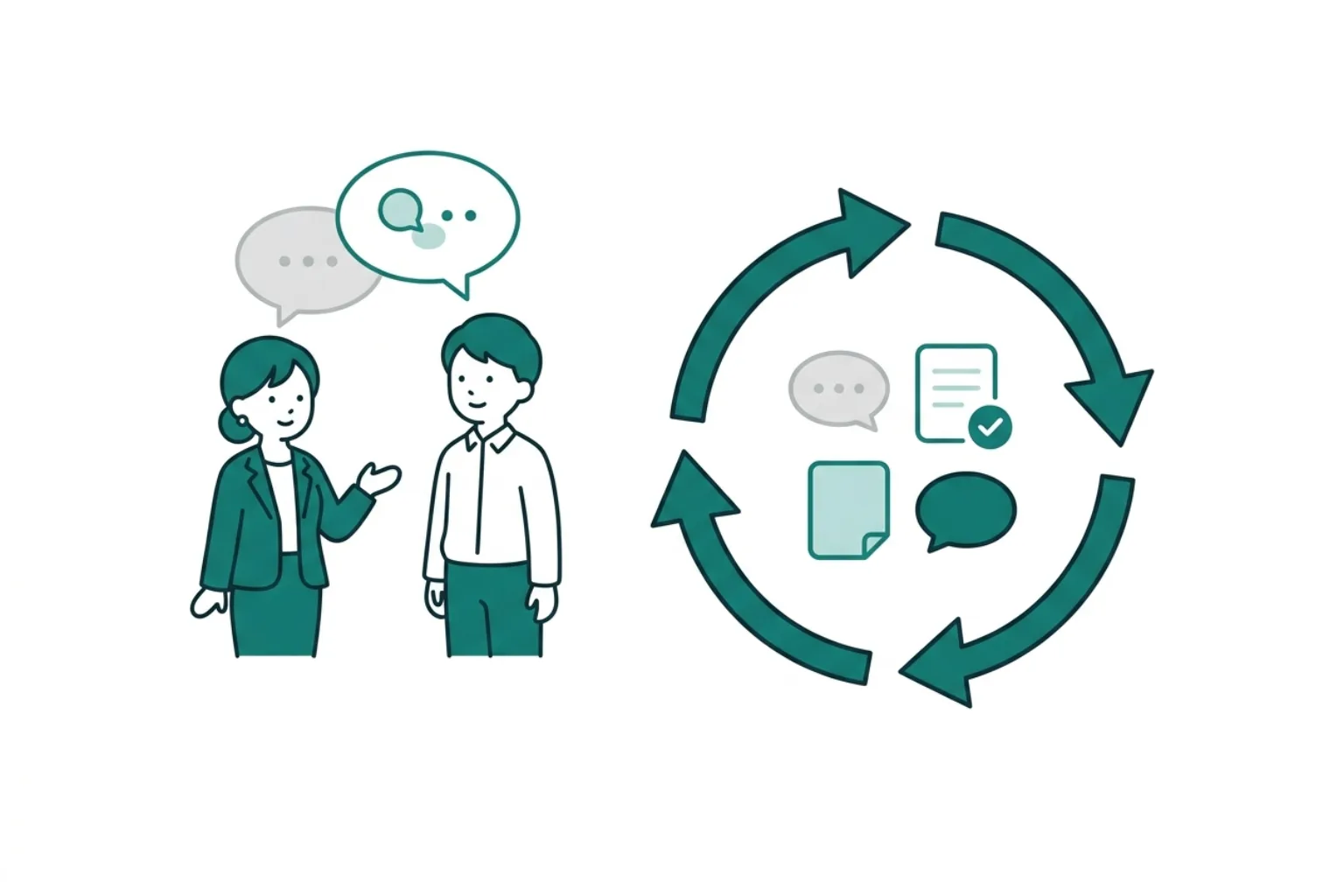
Grow Skills, return them to work

Knowledge Loop

Grow Skills, return them to work

Human approved
Input

Capture know-how

Extracts steps and decision criteria from frontline conversations, documents, FAQs, recurring reports, AI requests, and feedback.

Learn

Grow it into a Skill

Content that owners review, edit, and approve is managed as a reusable unit of operational know-how.

Reuse

Return it to work

Feed it back into Q&A, unread triage, recurring checks, approvals, notifications, and reports — a learning loop that doesn't end at an answer.

Don't stop at knowledge — connect it to checks, notifications, and action

Instead of one-off search and summary, return the know-how born from daily conversations to Q&A, unread triage, recurring checks, approvals, notifications, and reports.

AGTO 01

Q&A

Standardize Q&A

References past conversations, documents, FAQs, and Skills to answer in line with your steps and decision criteria.

Less answer dependence on individuals
Answers with sourcesRelated Skills surfaced
AGTO 02

Digest

Organize unread items and key points

Beyond summarizing unread items, it compiles decisions, open issues, next actions, and related Skills.

Cut review time
Decision extractionNext-action organizing
AGTO 03

Routine

Run recurring checks and approvals automatically

Runs morning checks, weekly reports, deadline reminders, and approval-pending checks in line with Skills.

Fewer missed checks
Deadline remindersApproval-pending checks
AGTO 04

Proactive AI

Proactively flag easily-missed checks

Based on accumulated know-how and feedback, it suggests easily-missed checks, reports, and next steps.

Fewer delays in response
Proactive suggestionsFeedback applied

Not AI bolted onto chat — an AI-native operations platform

Slack and Teams were built for people to talk, with AI added on as a bot. AGTO is designed from the start for AI to join the conversation as a member, learn know-how, and even operate your business systems.

Multi-LLM

Use multiple AIs in one conversation

Conventional chat + AI bot

A bolted-on bot is locked to one model and can't be chosen by task.

AGTO (AI-native)

Mention @Claude @GPT @Gemini @Grok directly in chat. It auto-routes to the best model for the task's complexity, with no vendor lock-in.

Self-improving

Conversations become know-how

Conventional chat + AI bot

Conversations flow by and vanish; good answers and decisions don't stay with the organization.

AGTO (AI-native)

Extracts Q&A from highly-rated exchanges and turns them into Skills after human approval. Your standard procedures grow and the AI gets smarter.

Tool Use

AI operates your business systems

Conventional chat + AI bot

AI only “answers”; people handle CRM and documents in separate tools.

AGTO (AI-native)

AI updates HubSpot deals and operates Google Workspace. Writes are applied safely through approval (HITL).

Proactive

Information comes to you

Conventional chat + AI bot

A passive chatbot that only answers when asked.

AGTO (AI-native)

AI proactively suggests unread summaries and easily-missed checks, delivered automatically as a morning digest.

AI that learned your company takes ownership as an AI Employee

Built on accumulated Skills, AI personas with defined roles, tone, and constraints are placed in channels. They run autonomously on routines and post the results. Usable tools are whitelisted, and high-risk actions require human approval.

Don't just “use” AI — “grow” AI Employees

Not a passive chatbot — AI that learned your company works as a member with a role. As it learns more, you can gradually widen what you delegate through routines and approval gates.

Define role, tone, and constraints
Usable tools are whitelisted
High-risk actions require approval (HITL)
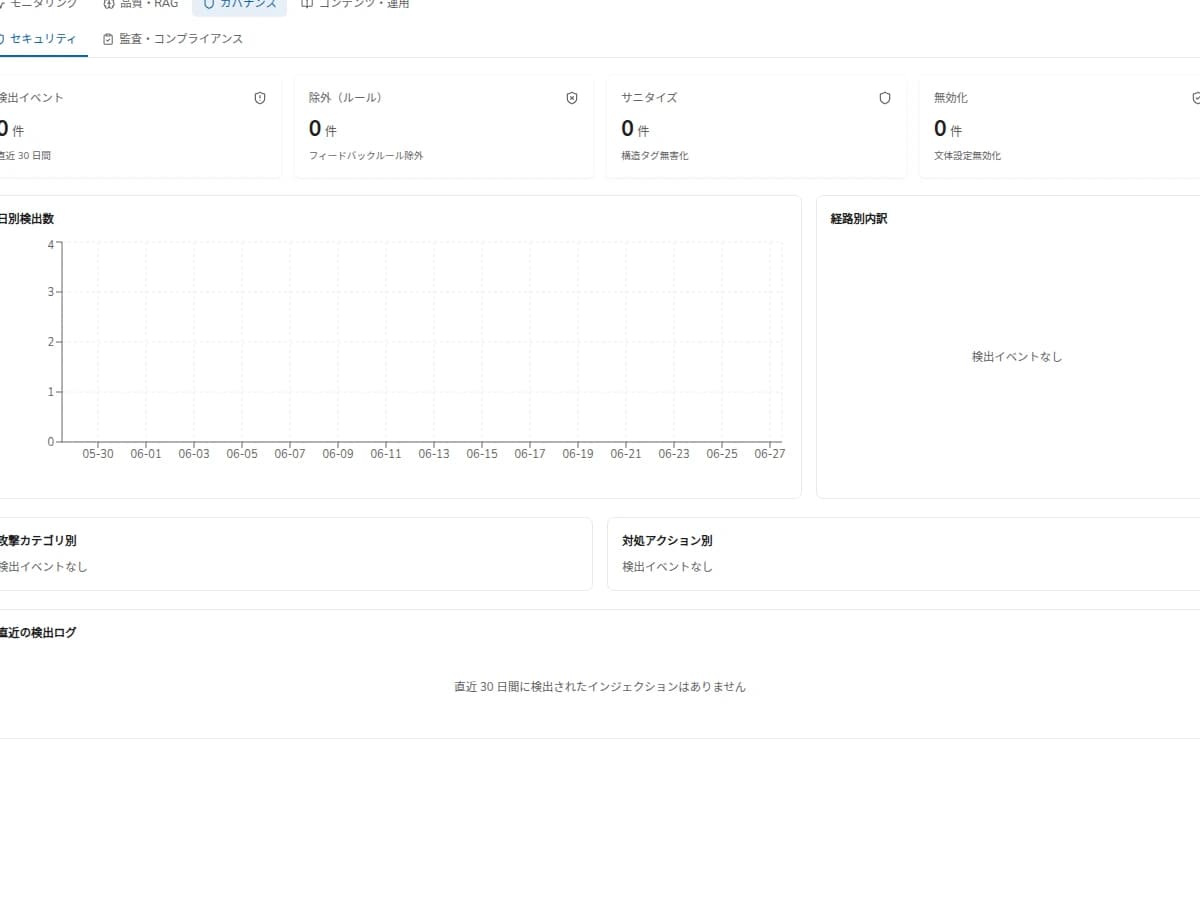
Every action is recorded in the audit log
01

Research employee

Handles research and summarization, organizing key points and sources before posting.

02

DevOps employee

Monitors incident detection and routine checks, reporting status to the channel.

03

Content employee

Handles drafting and proofreading, compiling work for review.

04

BizOps employee

Builds metrics and recurring reports, sharing them on schedule.

See extraction, approval, routines, and audit on screen

Not an abstract concept — see the flow where people review AI-proposed decision criteria, reuse them for the next question, check, or report, and track who changed what.

01Candidate
AGTO Skill management screen. Approve or reject AI-learned Skill candidates.

AI turns common decision criteria into candidates

AI gathers the steps, decision criteria, and check rules it learned as candidates for owners to review.

02Approved
AGTO work screen. Reference Skills to reuse for Q&A and check tasks.

Only human-reviewed content goes into work

Approved Skills are reused for Q&A, unread triage, check tasks, and routine execution.

03

Reuse across work

1

Q&A

Reference Skills to answer in your team's context

2

Unread triage

Organize decisions, open issues, and next actions

3

Routine

Turn deadlines, approvals, and weekly reports into recurring checks

4

Proactive suggestions

Surface needed checks and next steps in advance

5

Share standard steps

Share approved Skills by team or site

6

Audit log

Track who approved or changed what

Rather than ending at answers, search, or summaries, AGTO's core is returning Skills to the next check, notification, report, and routine run.

People stay in control of how much AI is delegated

AGTO lets you manage the information AI references, the Skills it uses, and the scope it can execute. Through human approval, permissions, audit logs, and Version / Rollback, you widen delegation step by step to fit your operations.
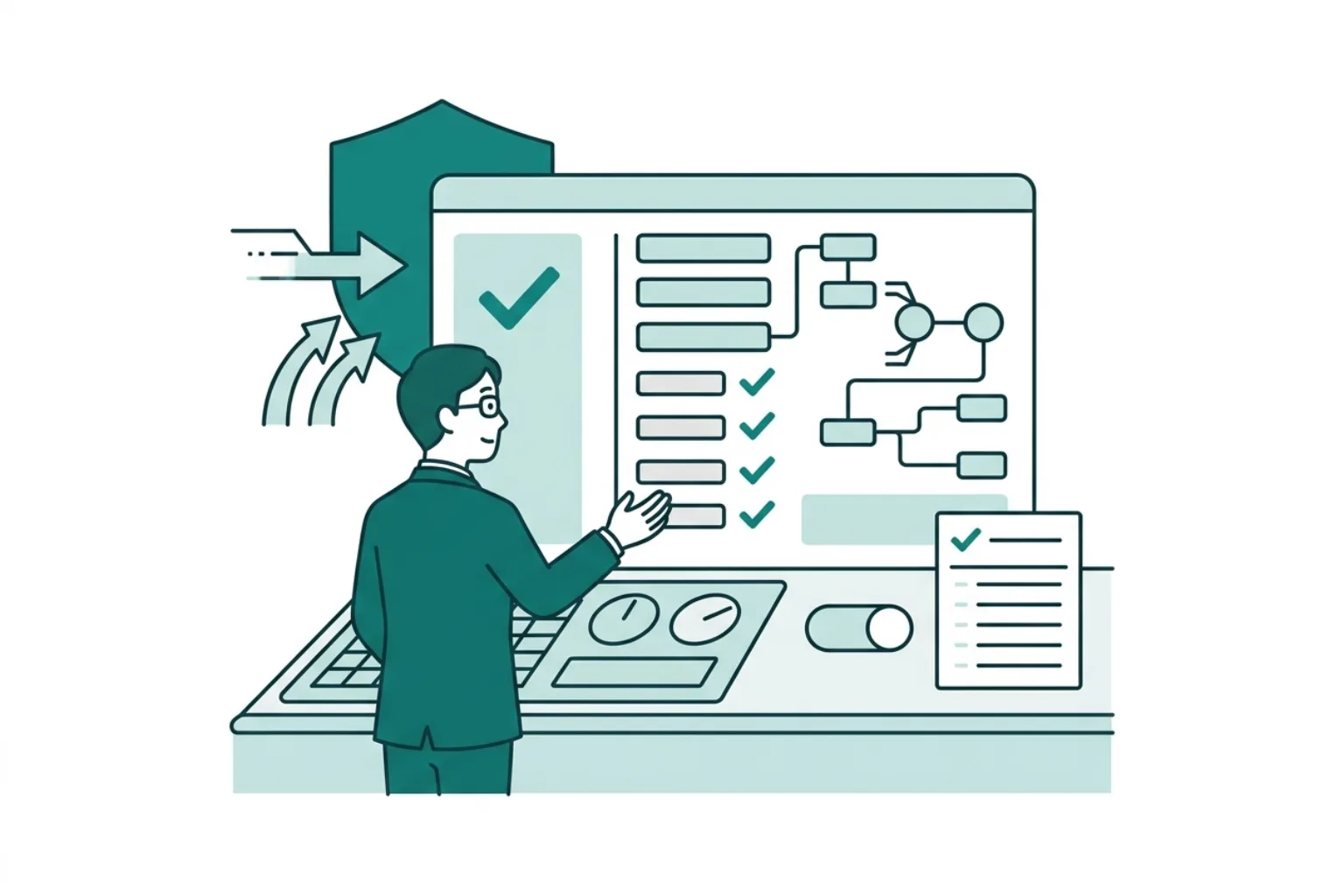
Use it as an AI operations platform people control — not AI that acts on its own

Decide the target data, permissions, excluded information, approvers, retention periods, and routine execution scope up front. Operate it so you can see what AI looked at, why it proposed, and how far it executed.

Permission-based reference control

Manage what information AI can reference and what it can execute per user, team, and role.

Role-based access
Excluded-data settings

Clear sources

Keep the conversations, documents, FAQs, and Skills used for answers and suggestions visible.

Reference-data management
Evidence checks

Human approval (HITL)

AI-proposed Skill changes and actions are applied only after people review and edit them.

Reviewers
Approval logs

Version / Rollback

Manage Skill change history and roll back wrong updates or changes that don't fit operations.

Change history
Restore workflow

Work Ledger (outcomes and costs visible per job)

Beyond usage volume, record requests, approvals, outcomes, costs, and failure reasons per job (Objective). Impact is visible in numbers, so it becomes the basis for company-wide rollout instead of stalling at PoC.

Outcomes and costs
Approvals and failure reasons

Audit log

Track who approved or changed which Skill, and which checks or routines used it.

Audit log
Execution history
AI governanceLearn more

Start by turning one team's know-howinto Skills and validating it

After confirming data scope and permissions, run a small pilot of Q&A candidates, Skill candidates, Digest, Routine, approval flows, and audit logs.

If FAQs are in place, you can validate answer quality from existing FAQs. If not, start from meeting notes, business documents, frontline conversations, and recurring reports.Run a small pilot
1

Day 1-2

Select the target team, work, and data scope

Target data, permissions, exclusion rules

2

Day 3-5

Connect and load conversations, FAQs, meeting notes, documents, and recurring reports

Initial dataset

3

Week 1

Turn repeated questions, steps, and decision criteria into Skill candidates

Q&A candidates, Skill drafts

4

Week 2

Validate Digest, Routine, approval flows, and report drafts

Summary quality, check-rule drafts

5

Final day

Review impact and next steps

Rollout decision, improvements, operating design

Metrics you can validate

Before scaling, check impact, operational load, and how much you can delegate with these metrics.

Fewer repeat questionsCatch-up timeSkills approvedChecks turned into routines

Everyone sees the same know-how in their own language

Supports Japanese, English, Thai, and Lao. Based on each user's display language and per-tenant auto-translation settings, posts and channel information in other languages appear in each member's language.

Example: the Japan HQ turns standard procedures into Skills in Japanese, and members at the Thailand site review them in Thai. AGTO translates other-language posts into each set language and feeds local feedback back into the next Skill update.

01

Japan HQ

Organize standard steps and decision criteria as Skills

02

User language

Set 日本語 / English / ไทย / ລາວ per user

03

Auto-translation

Show other-language posts in each member's set language

04

Improvement loop

Feed local feedback into the next Skill update

Learn not just from chat, but from documents, FAQs, recurring reports, and AI requests

Use the channels where daily work gathers as the entry point, while growing each company's steps, decision criteria, and check rules into Skills — from Google Workspace, PDFs, business systems and ledgers, FAQs, to recurring reports.

A good fit for organizations like these

Teams where frontline judgment is easily siloed — manufacturing, maintenance, quality control
Teams where HQ and overseas sites repeat the same questions and checks
Back-office departments where FAQ and manual updates can't keep up
Companies that want to scale AI answers and automation with human approval and audit logs

Data we review first

Frontline conversations

Channel chat, comments, inquiry history, AI requests, correction instructions

Google Workspace and documents

Google Workspace, PDFs, existing manuals, internal documents

Business systems and ledgers

Deal info, customer info, work history, inquiries, inspection records, ledgers

FAQs and recurring reports

Existing FAQs, inquiry answers, daily / weekly / monthly reports, progress updates

Operational routines

Check items, notifications, approvals, deadline management, report creation

From AI you have to learn to use,to AI that takes rootin your work

Internal search and chat AI are strong at reaching the information you need fast. AGTO doesn't stop at on-the-spot answers — AI that learned your know-how works as an “AI Employee” and records requests, approvals, outcomes, and costs per job. So it's not just the few who master it — the whole team delivers results.

Compared withWhat it doesHow AGTO differs
General AI chatAnswers questions, drafts textKeeps answers and edits as Skills, reused as your team's procedure next time
Internal search / RAGFinds answers from documents and internal knowledgeTurns what it finds into know-how usable in Q&A, unread triage, and recurring checks
FAQ management toolsRegister and share common questionsPicks up FAQ candidates from frontline conversations and turns them into approved standard procedures
Workflow automationRuns predefined steps automaticallyAlso keeps the check points and reasoning for exceptions, updating as it goes
Slack / Teams AISupports summary, search, and catch-up of conversationsReuses documents, FAQs, and routines beyond conversations for checks and notifications

What people often ask before adopting

Get a handle on target data, how much to delegate to AI, security, validation methods, and how pricing works before your first consultation.

Can we start from documents and FAQs, not just chat?

Yes. You can narrow the scope and turn it into Skills from channel conversations, Google Workspace, PDFs and existing manuals, business systems and ledgers, FAQs, recurring reports, and more.

Does the AI act on its own?

AGTO operates on the premise of human approval, permissions, and execution scope. You can manage how much you delegate Skill creation and routine execution, step by step.

How is confidential information handled?

Define target data, excluded information, reference permissions, retention / deletion rules, and approval logs in advance.

Can we use it even without FAQs in place?

Yes. You can start by extracting Skill candidates from meeting notes, business documents, frontline conversations, and AI request history.

What can we check in a small pilot?

The quality of Q&A candidates, Skill candidates, Digest, Routine, approval flows, and audit logs — plus the operational issues that come up when scaling.

How is pricing determined?

It's designed individually based on the number of users, the data scope connected, AI usage, and the scope of onboarding support.
Service Deck

What the service deck covers

The mechanism, how to use Skills and Routine, sharing standard procedures, visibility into quality / cost / execution, supported data, governance design, validation scope, and how pricing works — all in one place.

Get the deck

Next Step

Make AI stick in your company, starting with one task

Once we know the target work (we recommend inquiries or internal Q&A), whether you have FAQs and documents, and the jobs you want to hand to AI Employees, we can design a small starting scope.