

Routine / Digest
Use AI Employees for unread digests, routine checks, and pending approvals
AGTO routines and digests organize unread messages, recurring checks, approvals, and reports so people can focus on the items that need judgment.
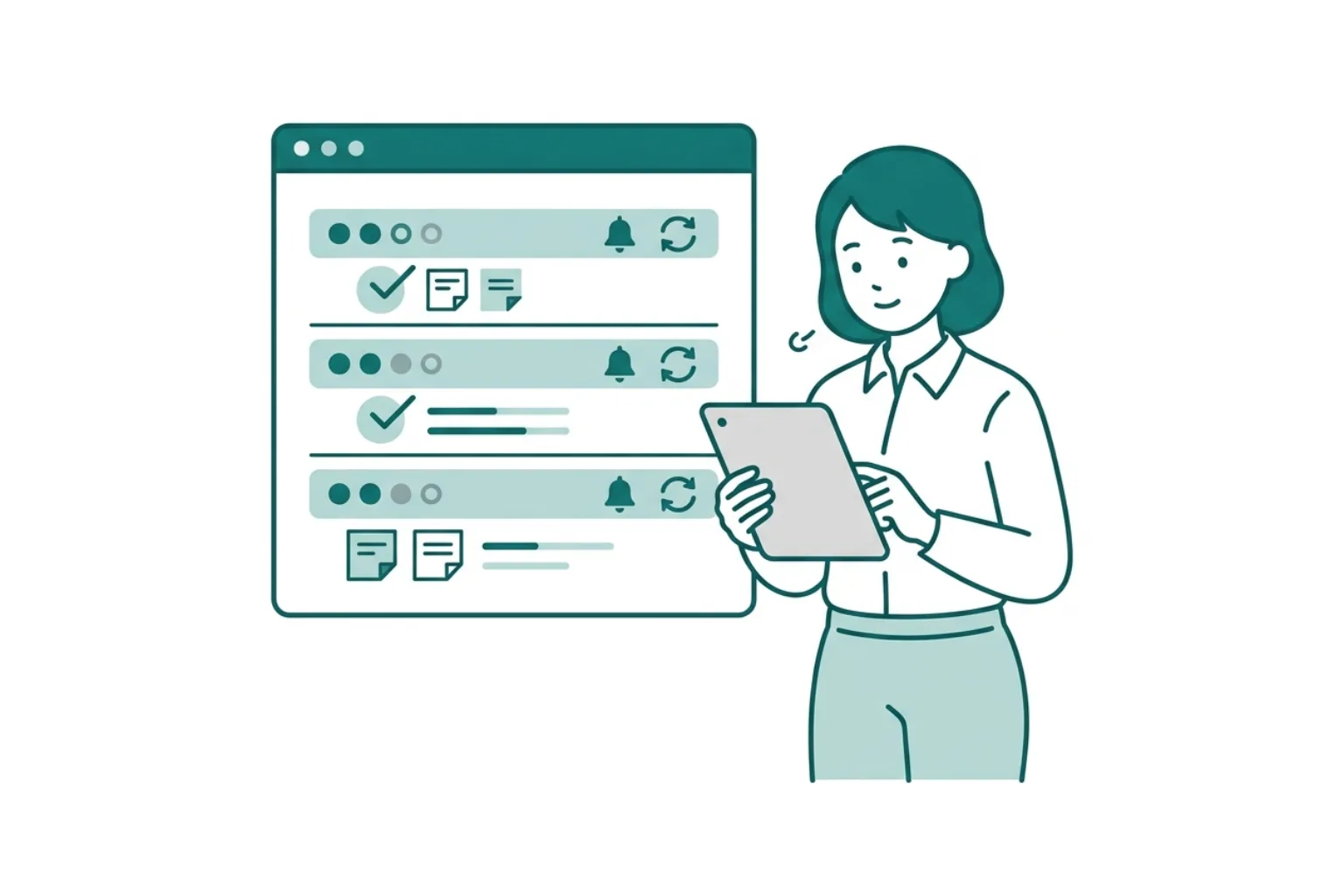
Summary — What routines can do
Routine / Digest
Bundle daily checks into routines
Break recurring checks, notification conditions, and pending approvals into a routine an AI Employee can run daily.
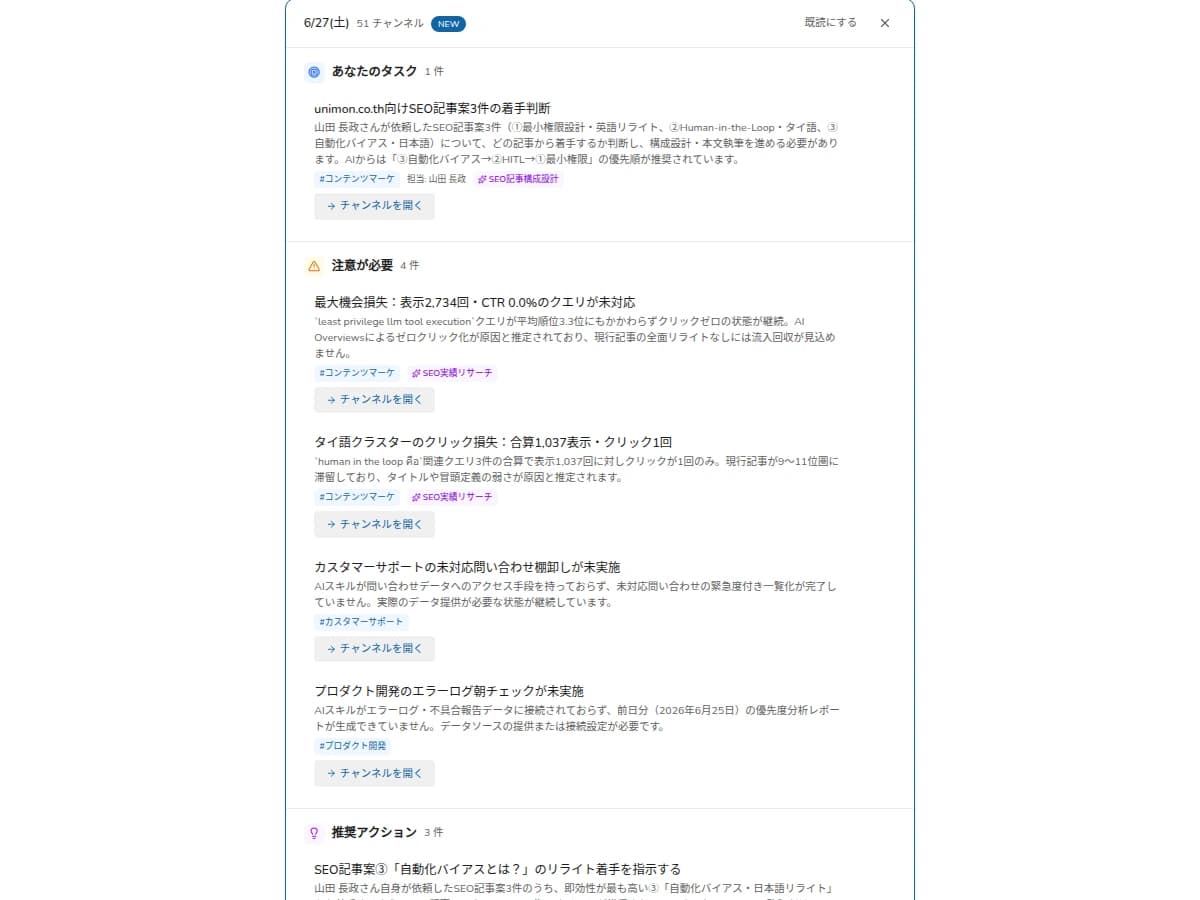
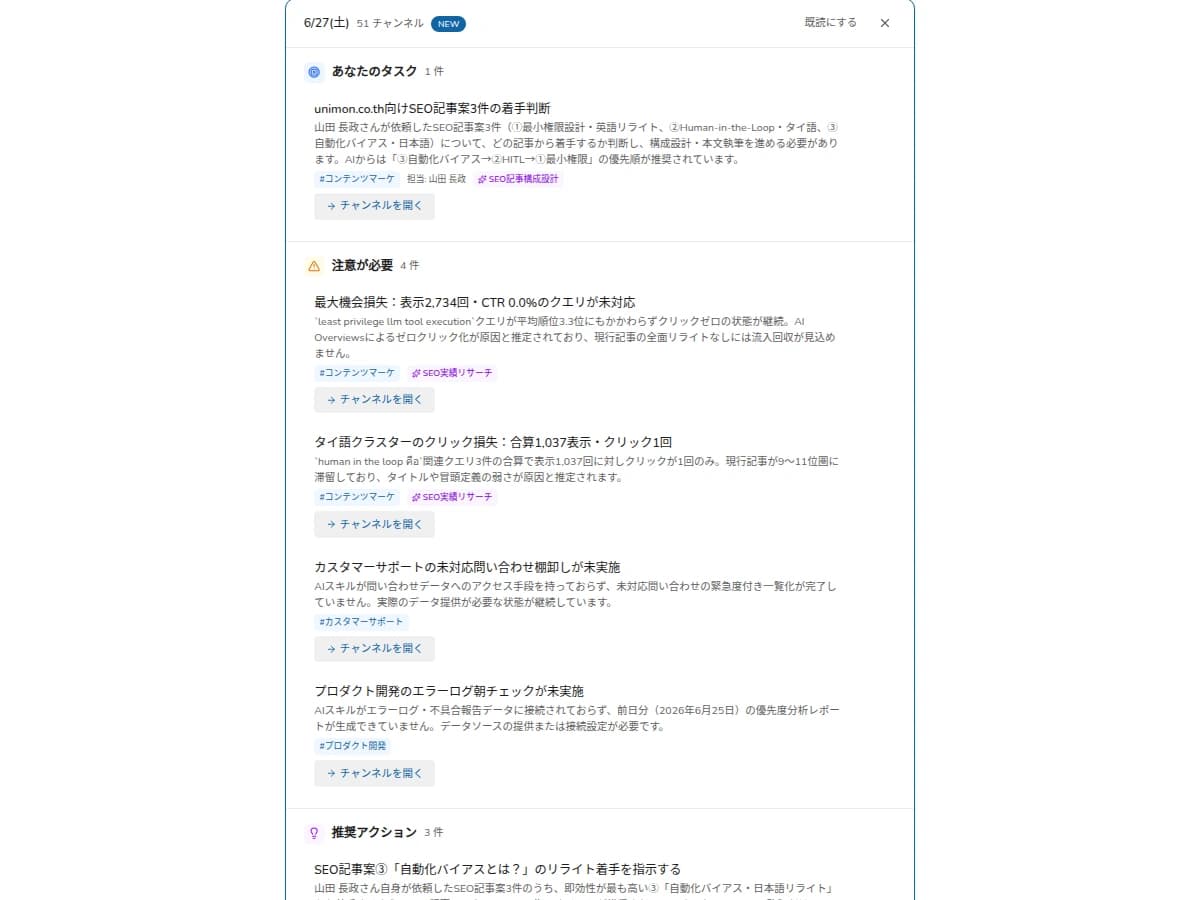
Organize unread work by priority
AGTO separates urgent actions, items for review, and lower-priority updates so people can start from what matters.
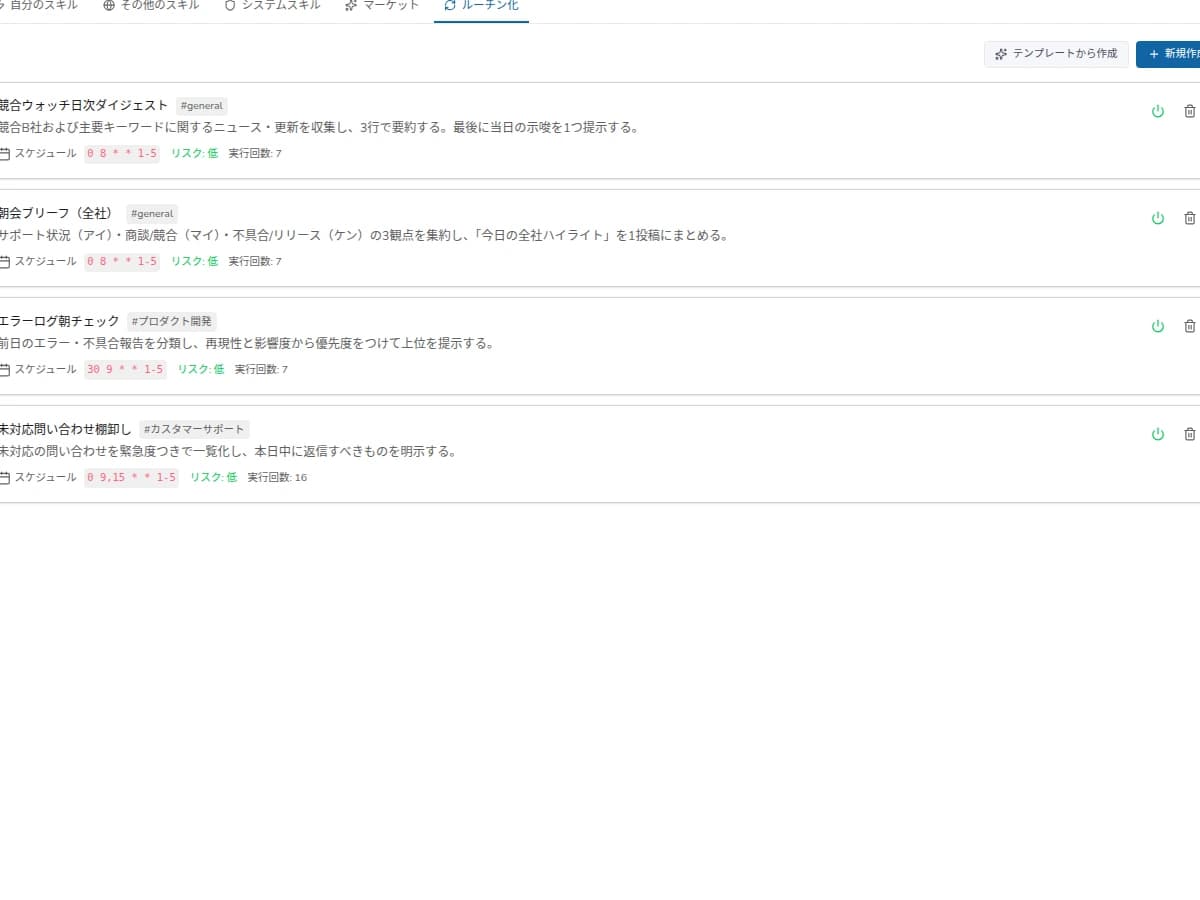
Turn recurring checks into routines
Morning checks, weekly reports, and pending approval reviews can run as repeatable routines with human confirmation.
Use exceptions to improve operations
Ambiguous cases, delayed approvals, and missing information become improvement signals for skills and rules.
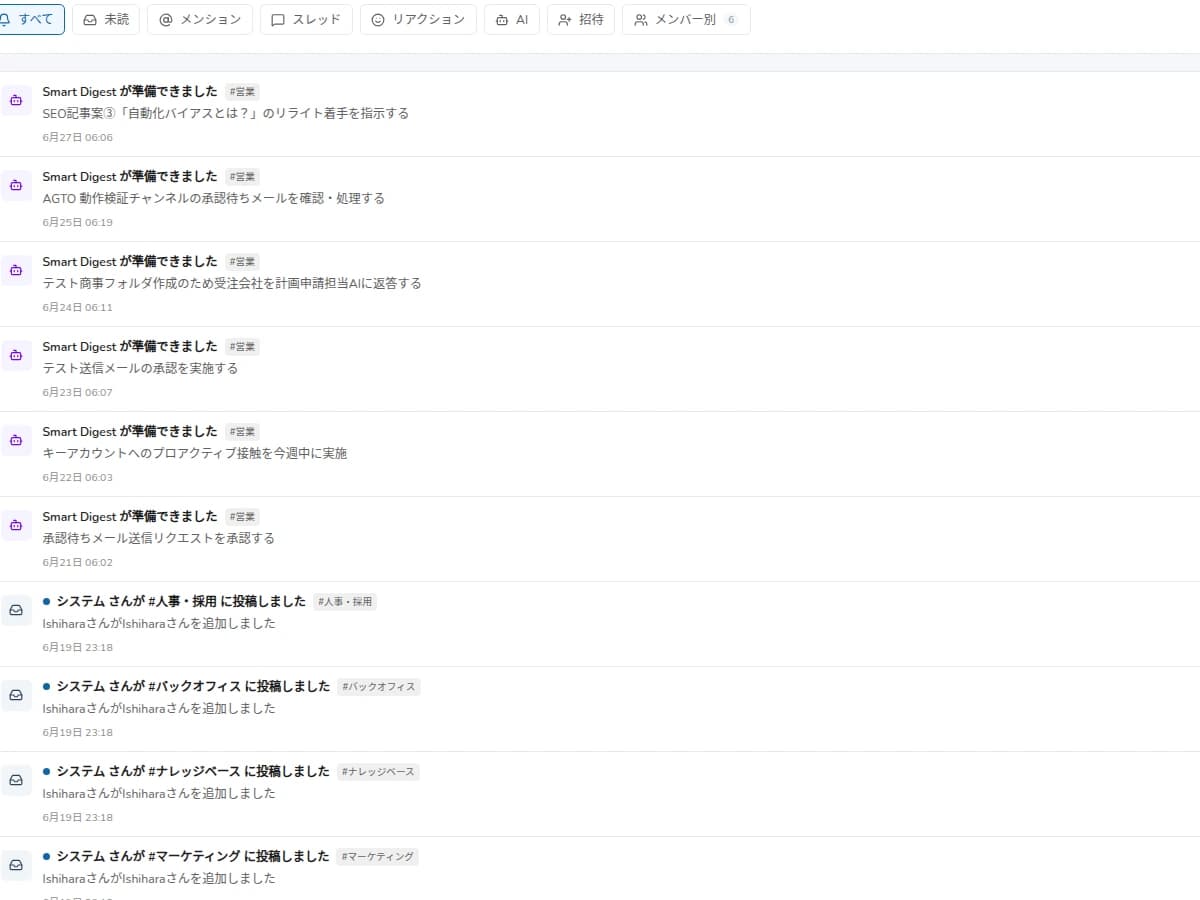
Routine / Digest
Approved skills become routines and are summarized into a daily digest.
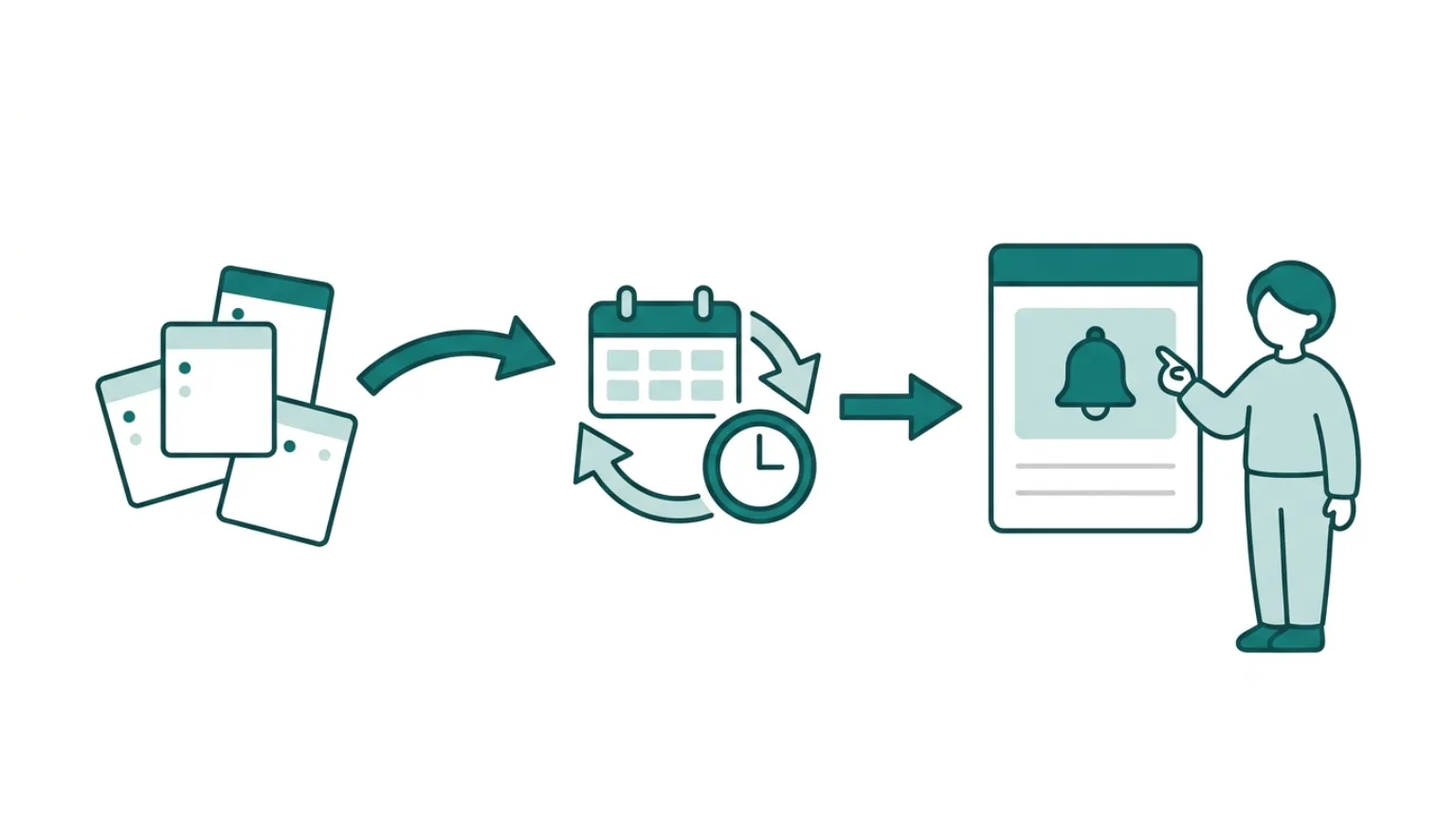
Design Detail
Examples of work suited to routines
Start routines from work that repeats daily or weekly and whose criteria can be written down. Keep the parts people must judge; AI handles organizing and proposing candidates.
| Work | What the AI Employee organizes | What people judge | First deliverable |
|---|---|---|---|
| Unread digest | Important messages, deadlines, owners, open items | Need to act, priority, reply content | Morning check list |
| Pending-approval review | Stalled requests, overdue items, approvers | Approve / send back / hold | Pending-approval report |
| Weekly report | This week's changes, incomplete items, exceptions, next checks | Adopt or edit report content | Weekly report draft |
| Question-trend review | Increasing questions, unanswered questions | FAQ creation, check with owning team | Knowledge update candidates |
Design Detail
Example notification design
Adding notifications alone does not stick. Decide who, when, and at what granularity to return items, and bundle low-priority ones into a digest.
| Condition | Notification method | What to avoid |
|---|---|---|
| Needs immediate action | Notify the owner immediately | Notify everyone, duplicate notifications |
| Check by end of day | Bundle into a daily digest | Too-granular notifications, context-free summaries |
| Weekly review is enough | Aggregate into a weekly report | Daily notifications that get ignored |
| Criteria are ambiguous | Put into the review queue | AI deciding priority on its own |
Metrics
Metrics for routine impact
For routines, measure not only the automation rate but whether items are narrowed to what people must check. Track notification accuracy, missed checks, approval backlog, and report-draft adoption, then update the criteria.
Missed checks
Are missed responses decreasing
Notification accuracy
Do only needed notifications arrive
Approval backlog
Are approvals not piling up
Report adoption
Share of AI drafts used as-is
Exception log
Are misses and false notifications recorded
Process
How to start with routines
Select
Pick one repeated workflow
Choose unread digest, routine checks, approvals, or weekly reporting.
Rule
Write the criteria
Define priority, deadline, owner, and notification conditions.
Run
Review the results
People review outputs and update the criteria.
FAQ
Routine/Digest FAQ
Will this create too many notifications?
No. Notification rules and priorities are part of the design.
Can it connect to existing chat tools?
The target tools and permissions are checked before designing the workflow.
Can it support reports?
Yes. Routine results and exceptions can become report drafts for staff review.
How far can it run automatically?
Start with organizing, extracting, notifying, and report drafts. High-impact actions like external updates or bulk notifications are validated step by step as approval-required.
Can unread digest and routine checks start at the same time?
Possible if the target team is the same and criteria are close. Still, start with one routine first to measure notification conditions and review load.
How do you improve when AI misses something?
Keep misses, false notifications, and over-notifications as exception logs, then update rules for priority, deadline, owner, keywords, and sources.
Next Step
Move daily checks to AI Employees
Share your recurring checks and we can design the first routine.