

AI Employee
What is an AI Employee? AI that learns company know-how and works with people
An AI Employee in AGTO is not just a chatbot. It learns procedures, review criteria, and approval rules, then supports Q&A, digests, notifications, and reports under human control.
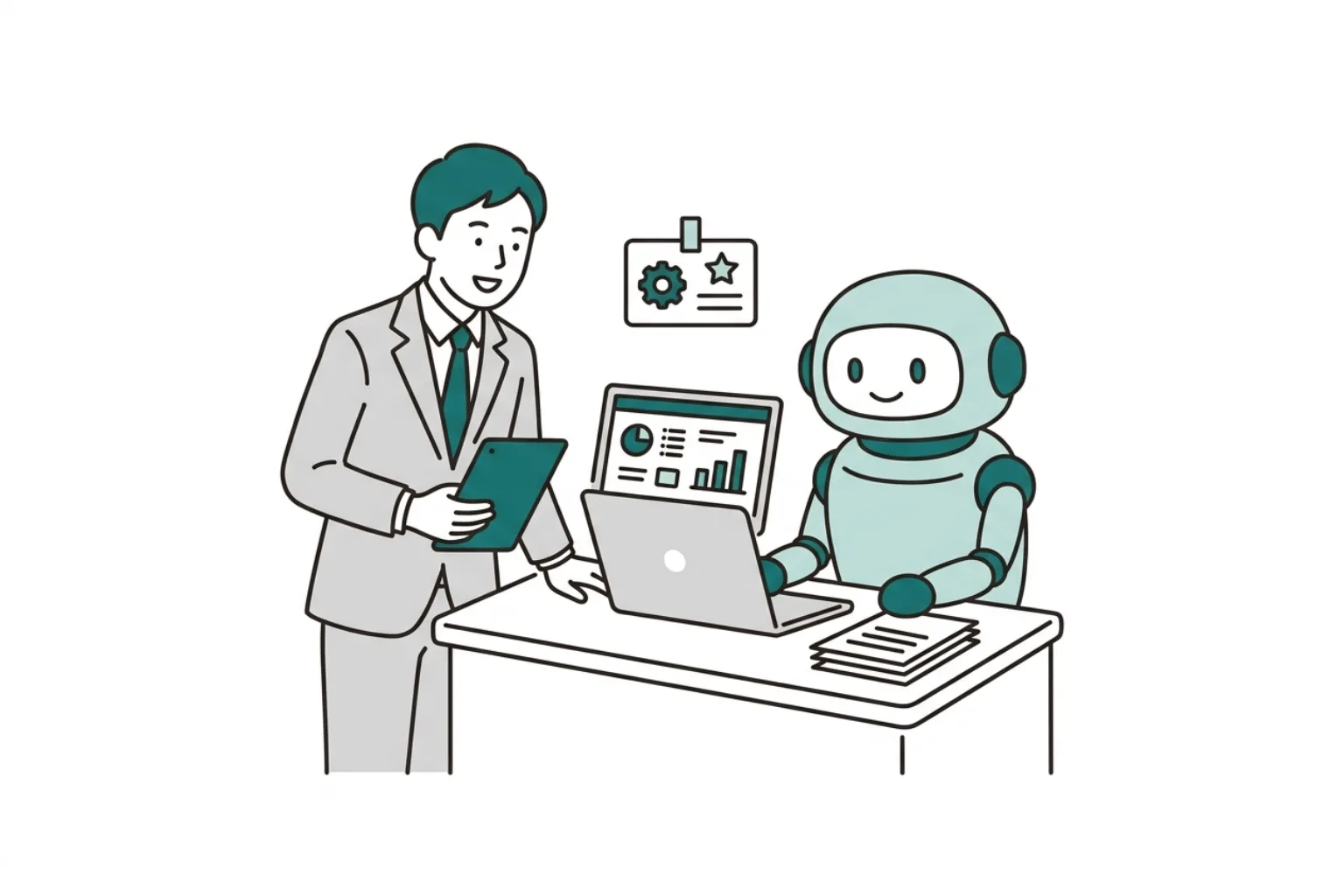
Summary — Core ideas
AI Employee
Grow AI as a daily operator
Manage roles, skills, routines, and audit logs separately to grow AI as a daily operator.
An AI Employee has a clear role
Define one responsibility first, such as internal Q&A, unread digest, or routine checks. Clear roles make data and review criteria clearer.
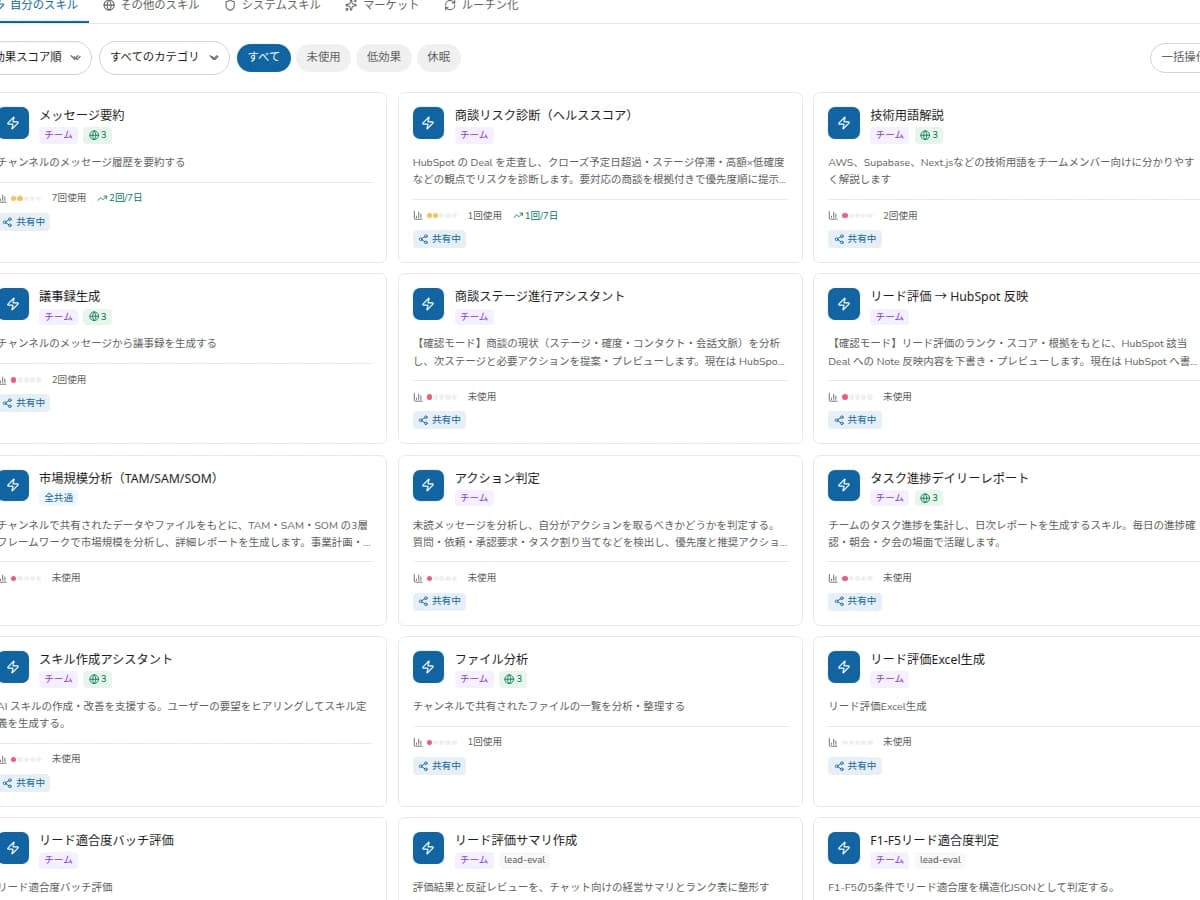
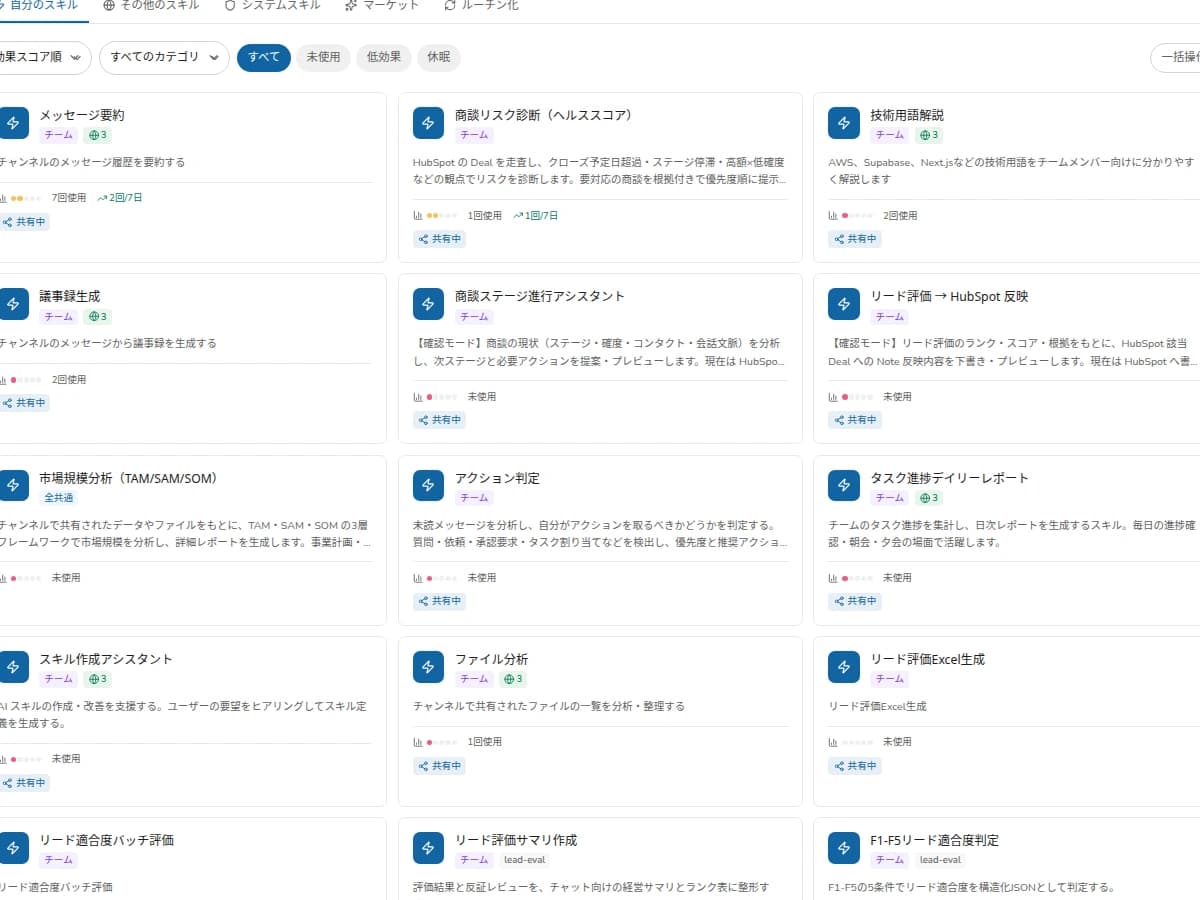
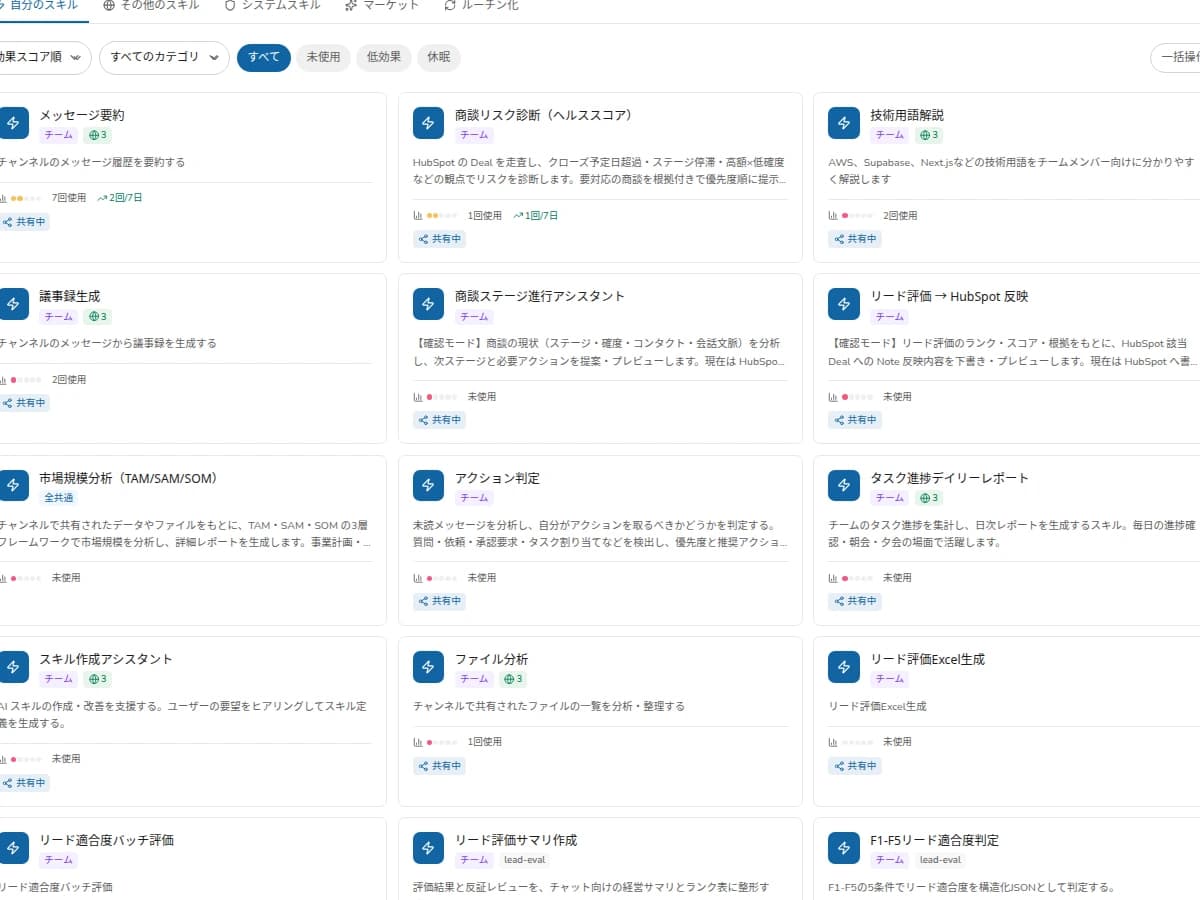
Skills are approved knowledge
AGTO stores reviewed answers and procedures as reusable skills. Those skills can support Q&A, routines, and reports.
A work ledger helps AI stick
Requests, approvals, outcomes, costs, and improvements are visible per job, so teams can trust and improve AI operations.
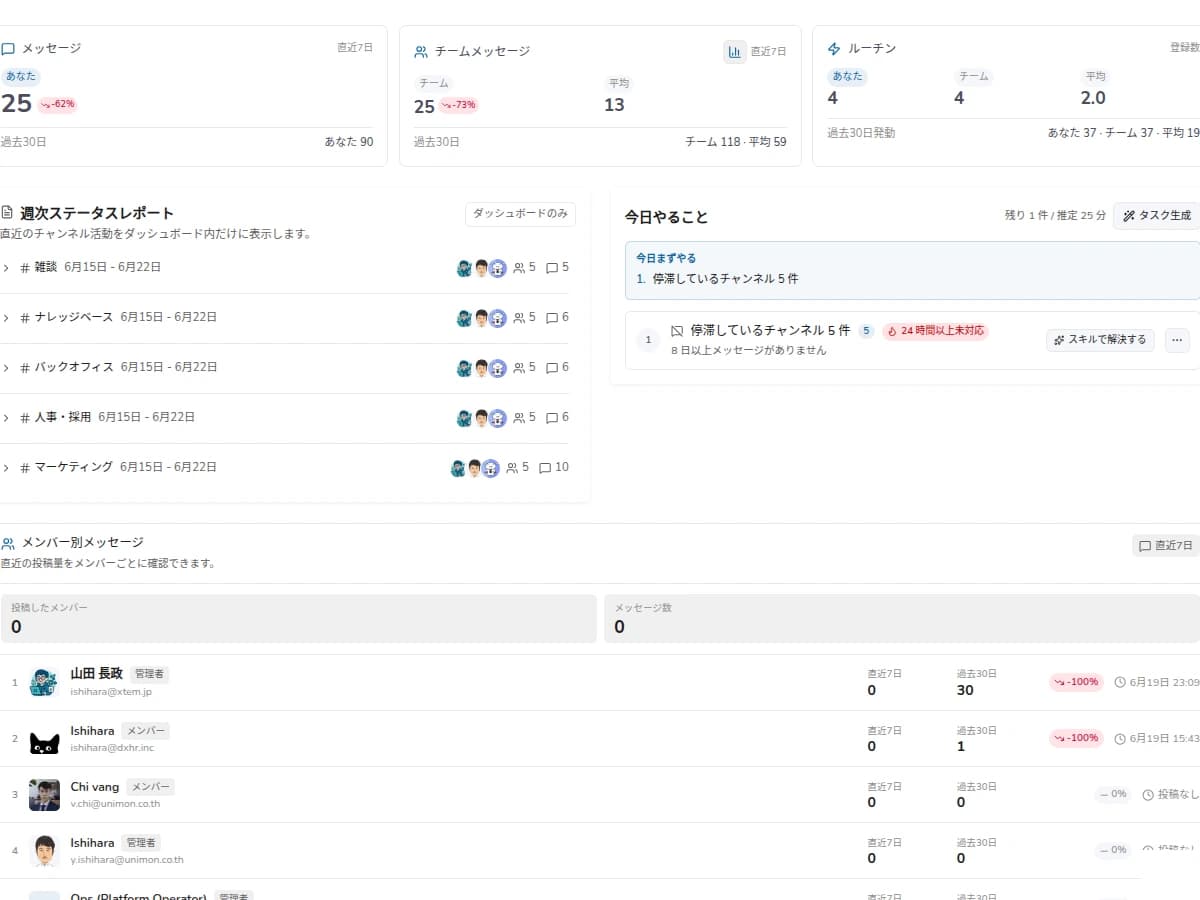
AI Employee
One AI Employee holds skills per role and handles multiple jobs.
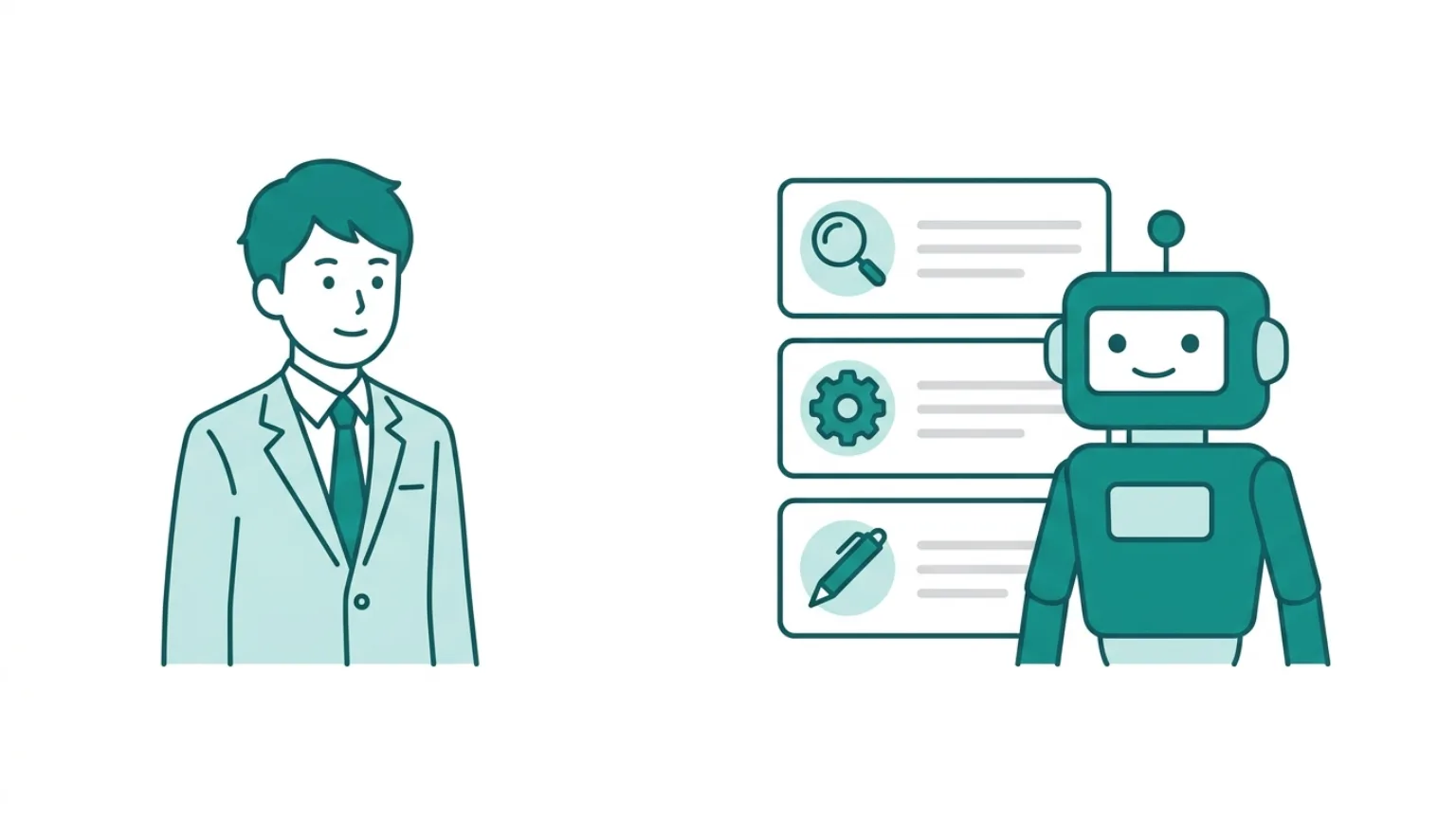
Design Detail
Examples of AI Employee roles
An AI Employee is not an all-purpose AI but an operator with a scope of responsibility. Splitting roles organizes training data, approvers, metrics, and risk.
| Role | Job | First training data | How to read results |
|---|---|---|---|
| Internal Q&A | First-line answers, FAQ update candidates | FAQs, policies, past answers | Duplicate questions, answer time, approved skills |
| Unread digest | Extract important messages, organize missed items | Chat history, ownership rules, deadlines | Missed checks, response delays, notification accuracy |
| Routine checks | Weekly reports, pending approvals, checklists | Report templates, criteria, approval rules | Report time, exception detection, approval backlog |
| Sales support | Proposal prep, per-customer knowledge | Meeting notes, proposals, CRM fields | Prep time, asset reuse, send-back reasons |
Design Detail
State transitions as an AI Employee matures
An AI Employee is not fully automated from day one. Separating candidate, review, approved, reuse, and improvement states clarifies how much you can delegate.
| State | What AI does | What people check |
|---|---|---|
| Candidate | Extract candidate questions, procedures, criteria | Is it relevant to the target work |
| In review | Present answer or procedure drafts | Evidence, exceptions, wording, permissions |
| Approved | Save as a skill and reuse | Visibility scope, update owner |
| Routine | Use for recurring checks and notifications | Notification conditions, approval needs, fallback on failure |
| Improving | Update candidates from failures and send-backs | Rule changes, document updates, added training |
Metrics
Metrics for AI Employee adoption
An AI Employee cannot be judged by usage count alone. Check whether approved skills are growing, whether they are reused for the same work, and whether exceptions needing human review are decreasing.
Approved skills
Are delegable skills accumulating
Skill reuse rate
Is the same skill used across jobs
Review backlog
Are approvals piling up
Routines created
How many took hold in recurring work
Exceptions / send-backs
Are human-review exceptions decreasing
Process
How to grow an AI Employee
Role
Choose the first job
Pick one role for the first AI Employee.
Skill
Create approved skills
Review FAQs, procedures, and answer examples before reuse.
Loop
Improve from usage
Review unanswered questions and exceptions, then update skills.
FAQ
AI Employee FAQ
How is it different from a chatbot?
A chatbot mainly answers. An AI Employee reuses approved skills across Q&A, digests, checks, notifications, and reports.
Does it make decisions automatically?
Important decisions can require human approval. AGTO is designed with review and audit logs.
Which work should start first?
Repeated work with clear criteria, such as Q&A, unread digest, and routine checks, is best.
Do you split AI Employees by department?
Starting split is realistic. Roles like an admin AI, HR AI, or IT AI make reference data, approvers, and metrics clear.
Who manages an AI Employee's skills?
The owner of the target work or a channel admin reviews them, and admins adjust permissions or visibility as needed. Keeping approval and change history matters.
Can we expand to multiple jobs from the start?
We recommend starting with one role. Expand to related work once skill candidates, review load, and how to read usage logs are settled.
Next Step
Design the first AI Employee for your company
We can define the role, data scope, and review flow for a small pilot.